
1. On the project page, click “Link a Document” on the right side of the central customer section or in the “Milestones” section on the right, then follow the subsequent screens to select the document to link. 2. To add handover details, enter text in “Internal Notes” on the right, then click “Submit.”
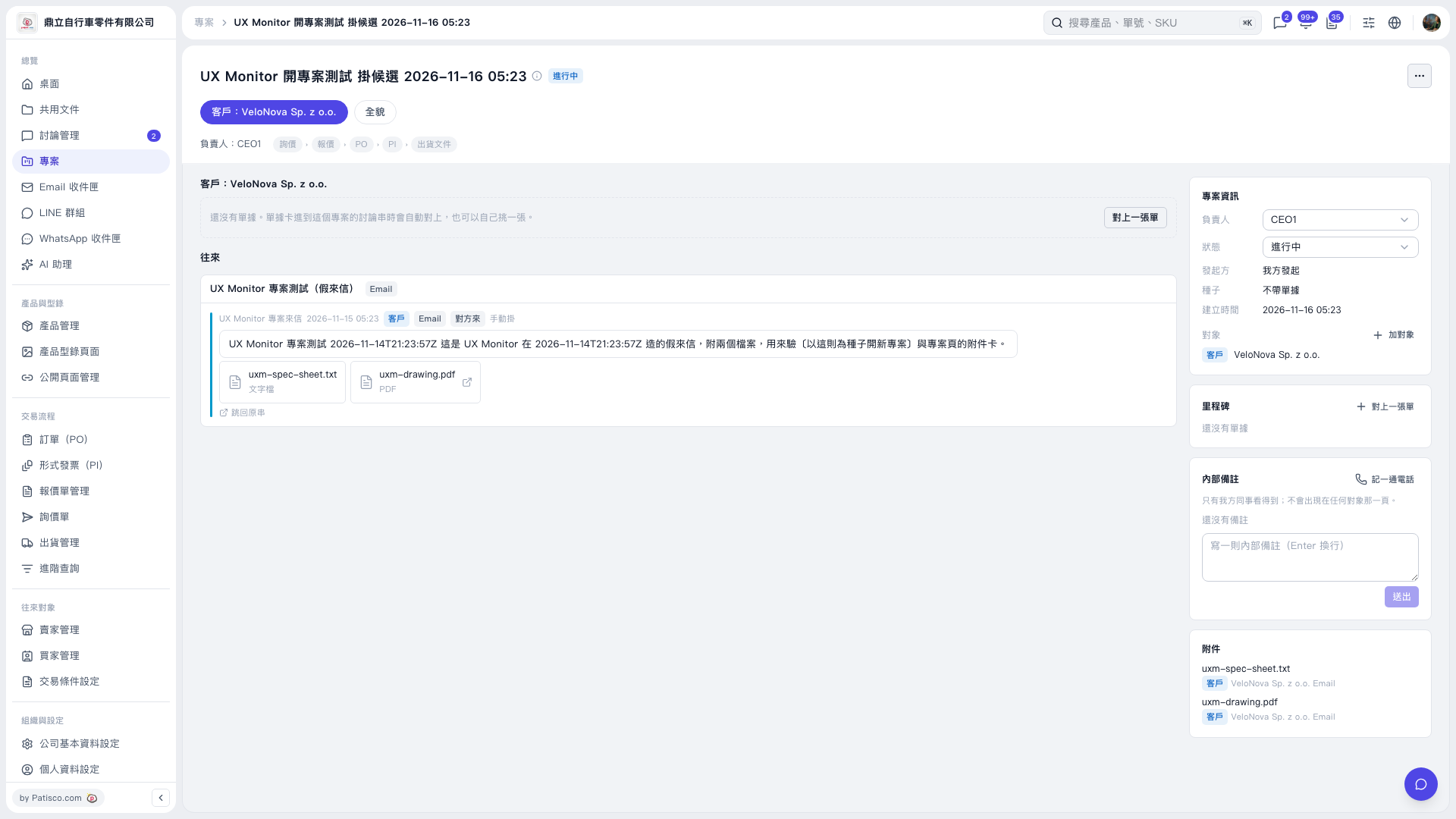 V5 新桌面版|UX Monitor 開專案測試 掛候選 2026-11-16 05:23