
1. Enter the target project in the “Search by project name or document number” search box in the “Projects” list, then click “Search”. 2. Once you find the project, click “Open” on the right side of its row. Each row in the list only has “Open”; the delete option is inside the project page. 3. Click “⋯” in the upper right of the project page, then click “Delete project”. 4. Once you have confirmed that you want to delete it, click “Delete project” in the confirmation dialog.
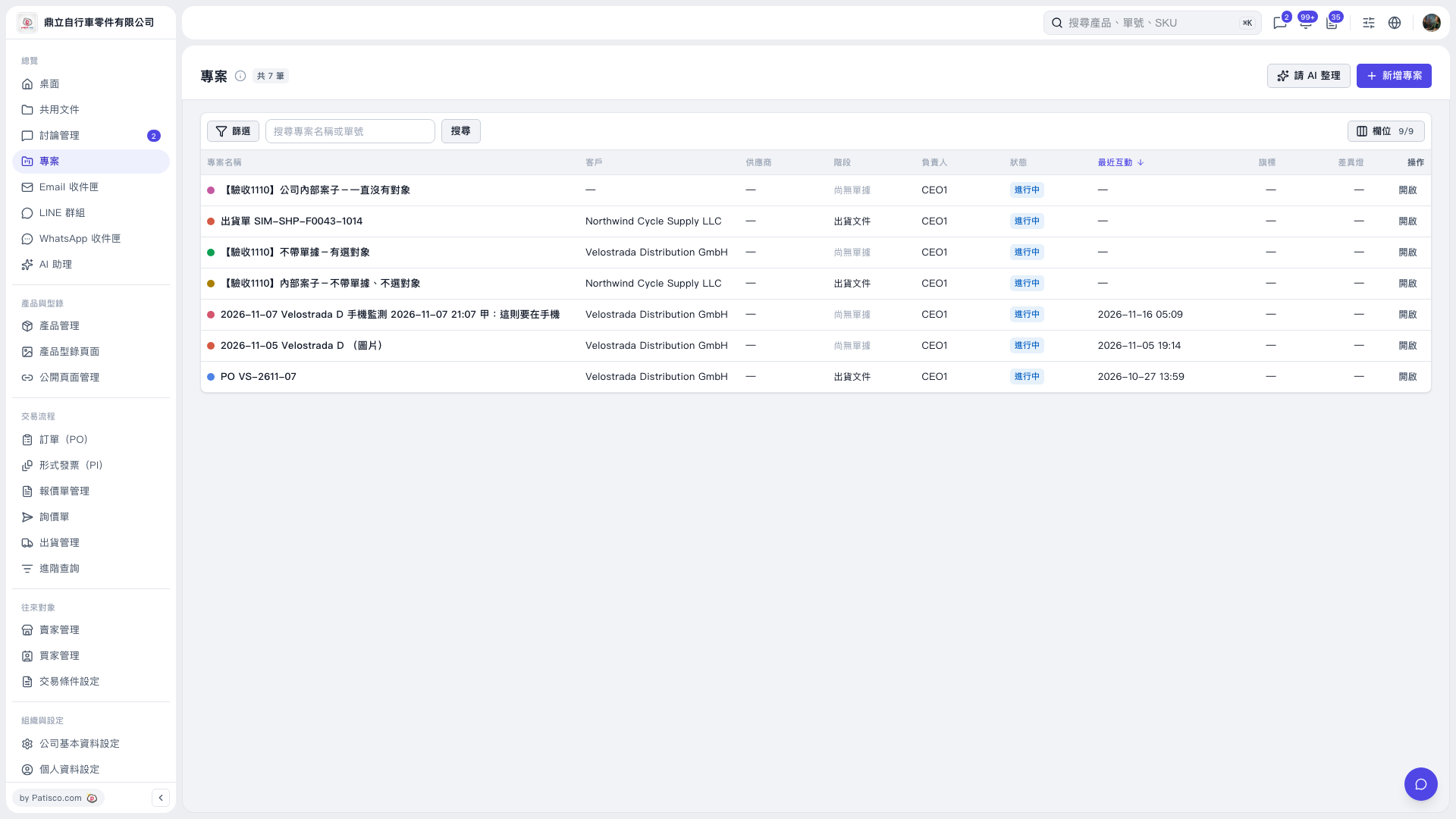 V5 新桌面版|專案