
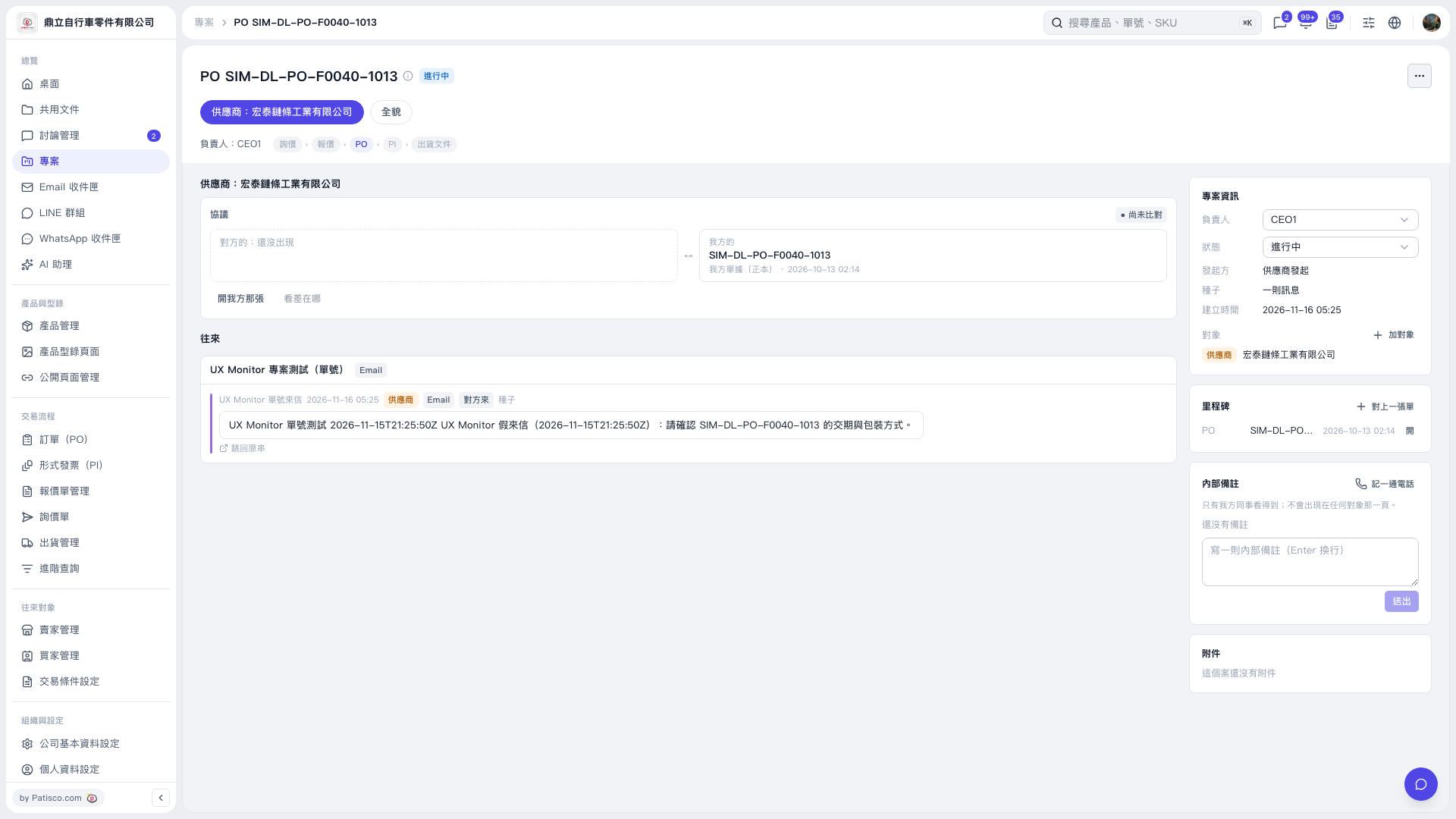
1. Read incoming emails in the “Correspondence” section of the PO project page. To view the full conversation, click “Back to original thread”. 2. In the “Agreement” section, click “Open our document” to view the delivery schedule and packaging information for the linked PO. 3. The “Other party's document” is not available yet, so “See differences” is grayed out. Differences between the two parties' documents cannot be viewed for now.
 V5 新桌面版|PO SIM–DL–PO–F0040–1013