
1. In "Discussion Management", select the discussion thread you want to reply to on the left. You can also use "Search discussions" to find it. 2. Check "Discussion information" on the right to confirm the participants and their email addresses. To add someone, click "Add participant". 3. Click "Reply by Email" below the message input area, then use "Send to…" to confirm the recipients. 4. Write your content in "Enter a message". To attach a file, click the paperclip icon. 5. Confirm the sending method, recipients, and content, then click "Send".
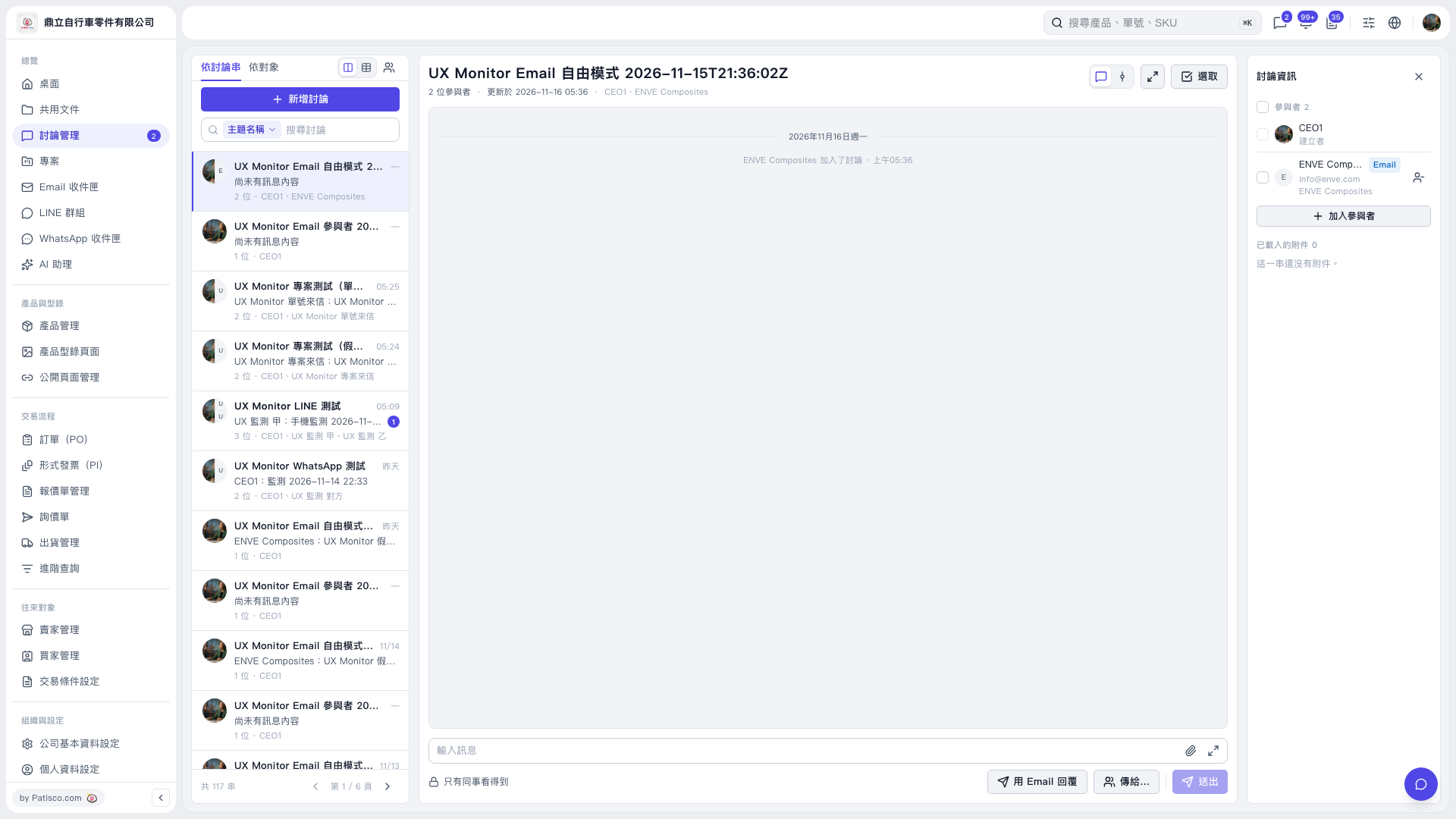 V5 新桌面版|討論管理