
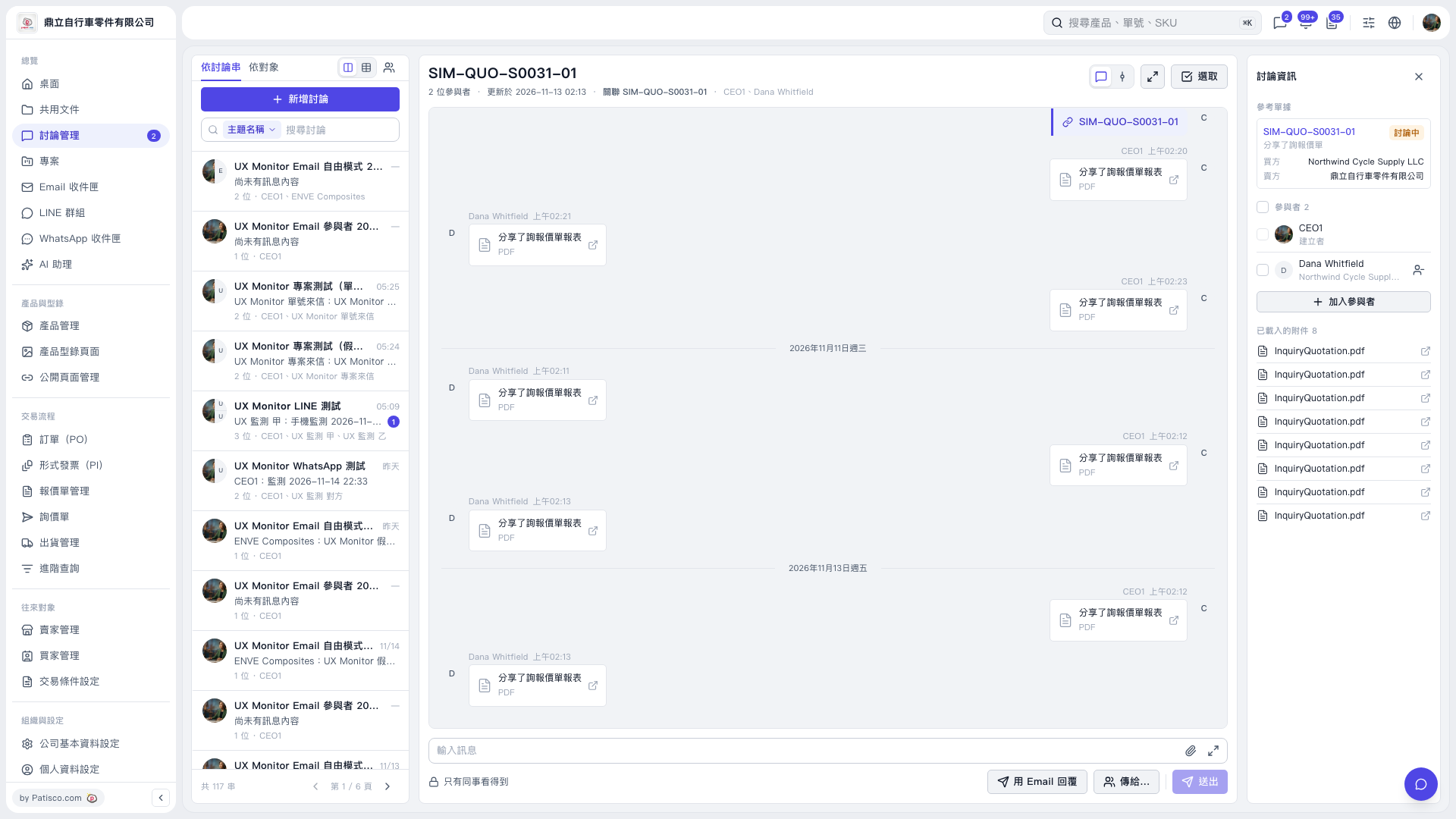
1. Open the discussion thread, check "Participants" on the right, and note whether the input area currently shows "Only colleagues can see this". 2. To send an email, click "Reply by Email", then use "Send to…" to select the recipients. 3. Check the visibility notice in the email panel. For example, in this case, the screen states that because the thread includes a contact from Northwind Cycle Supply LLC, Northwind Cycle Supply LLC can also see the email sent to third-party@example.invalid in Patisco. 4. Confirm the content, recipients, and visibility setting, then click "Send".
 V5 新桌面版|SIM-QUO-S0031-01