
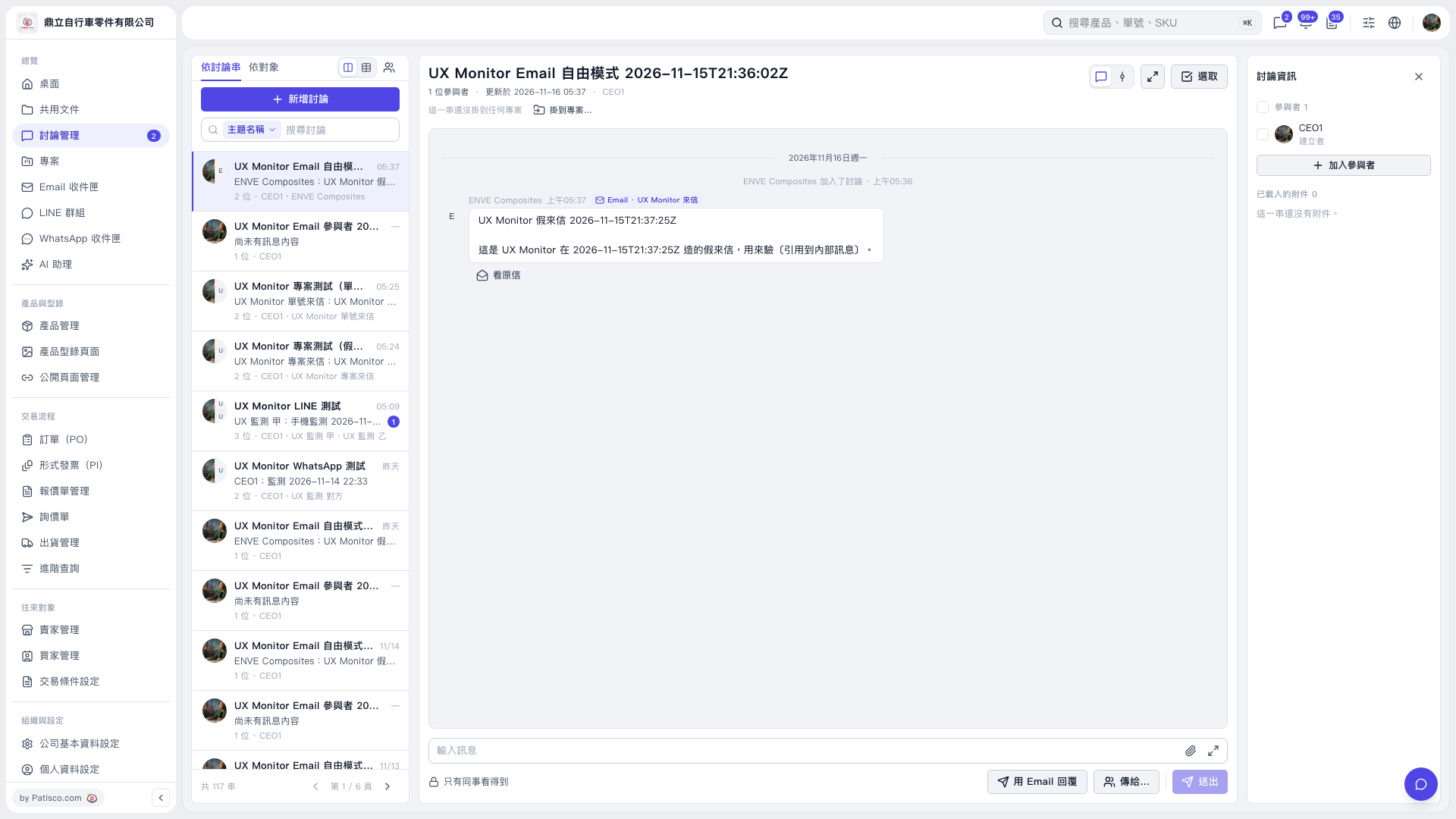
1. Open the thread you want to work with from the discussion list on the left. You can use "Search discussions" to find it. 2. In the discussion information panel on the right, identify the email participant you want to remove, then use "Remove from discussion" for that participant. 3. After the email participant is removed, the thread itself will remain in the discussion list.
 V5 新桌面版|UX Monitor Email 自由模式 2026-11-15T21:36:02Z