
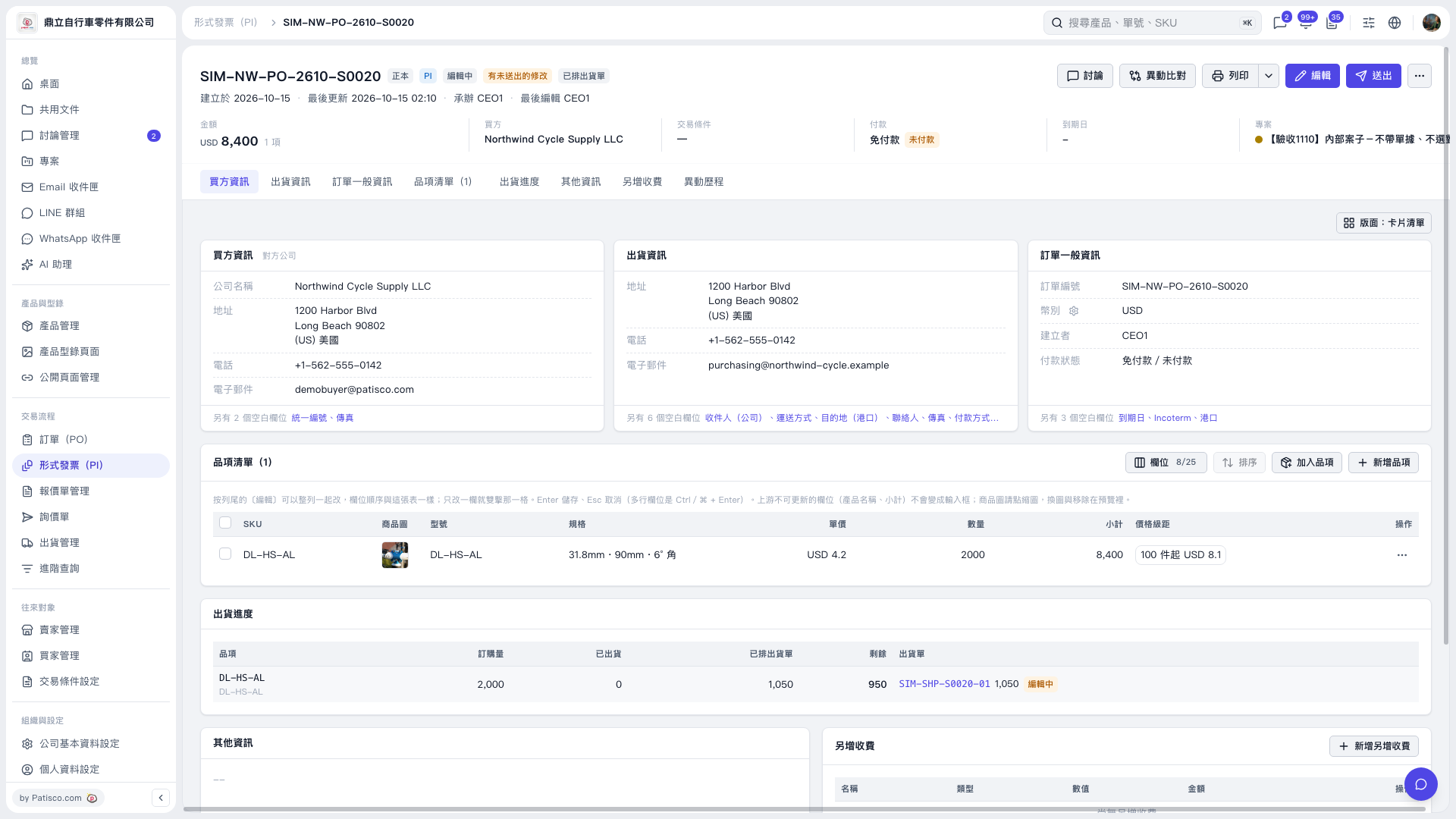
1. Click “Add items” at the top right of the “Item list” in the Proforma Invoice. 2. Select the source: “Quotation”, “Inquiry”, “PO/PI”, “Product Management”, “PO copy”, “Quotation copy”, or “Inquiry copy”. “Product Management” contains your company’s current product master data. Copy sources are copies of PO/PI documents, quotations, or inquiries you have received.
 V5 新桌面版|SIM–NW–PO–2610–S0020