
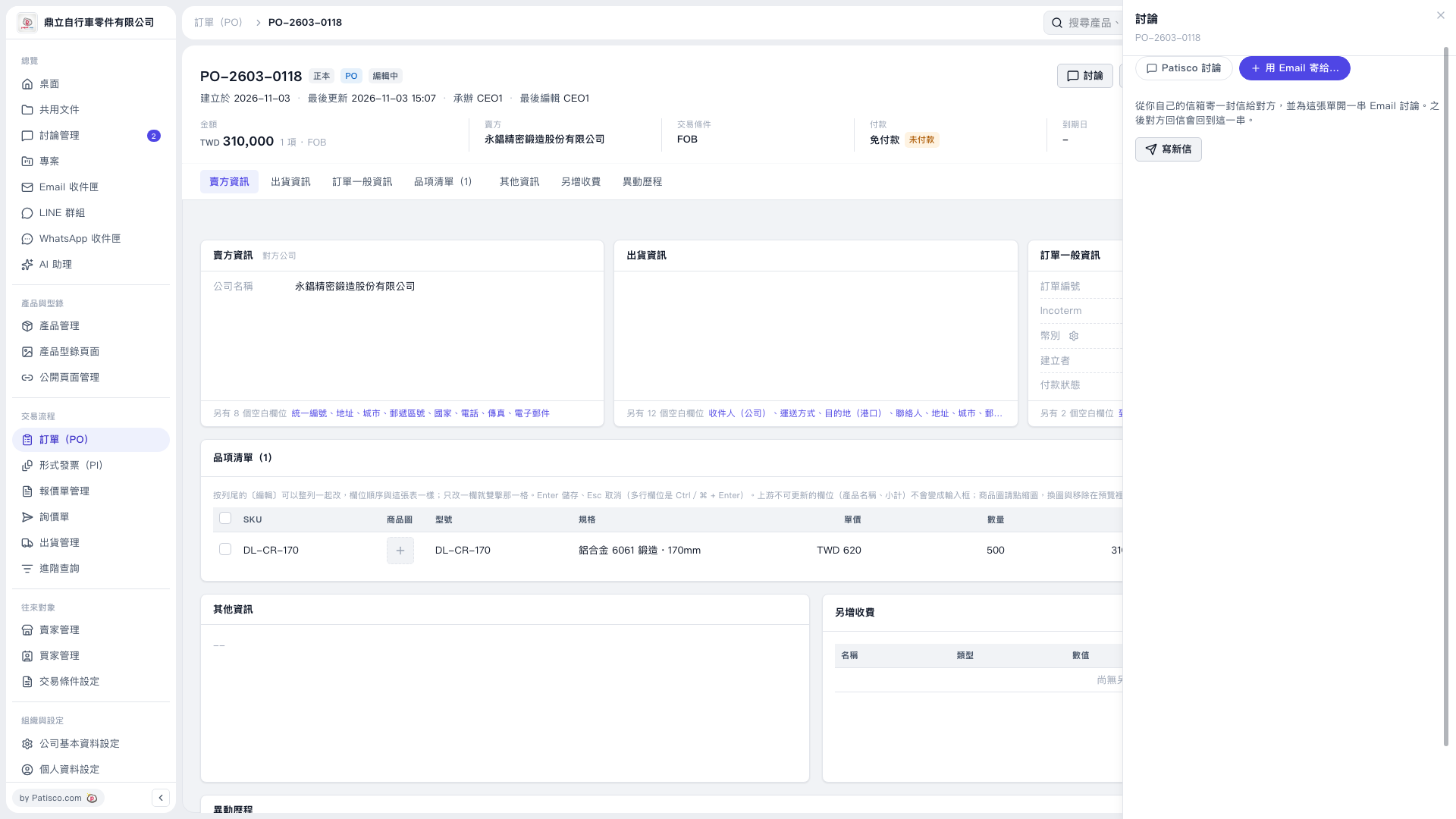
1. On the PO page, check the PO number, seller, amount, and item details. 2. Click "Discussion" in the upper-right corner, then select "Send by Email to…". 3. Click "Compose New Email" to open the email composition panel. 4. Make sure "Attach this PO as a PDF" is checked and confirm the PDF language. In this example, the screen shows "English". 5. Check the recipient. The seller on this PO has no email address, so the recipient field is blank by default and must be filled in manually.
 V5 新桌面版|PO–2603–0118