
1. Click “The other party has made changes. Click here to compare” in the upper-right corner to review the buyer’s changes. 2. Check the buyer and seller information, basic information, and each item’s specifications, quantity, unit price, and price tiers. 3. If you need to discuss the changes, click “Discussion” in the upper-right corner. 4. After checking the contents, click “Confirm” in the upper-right corner.
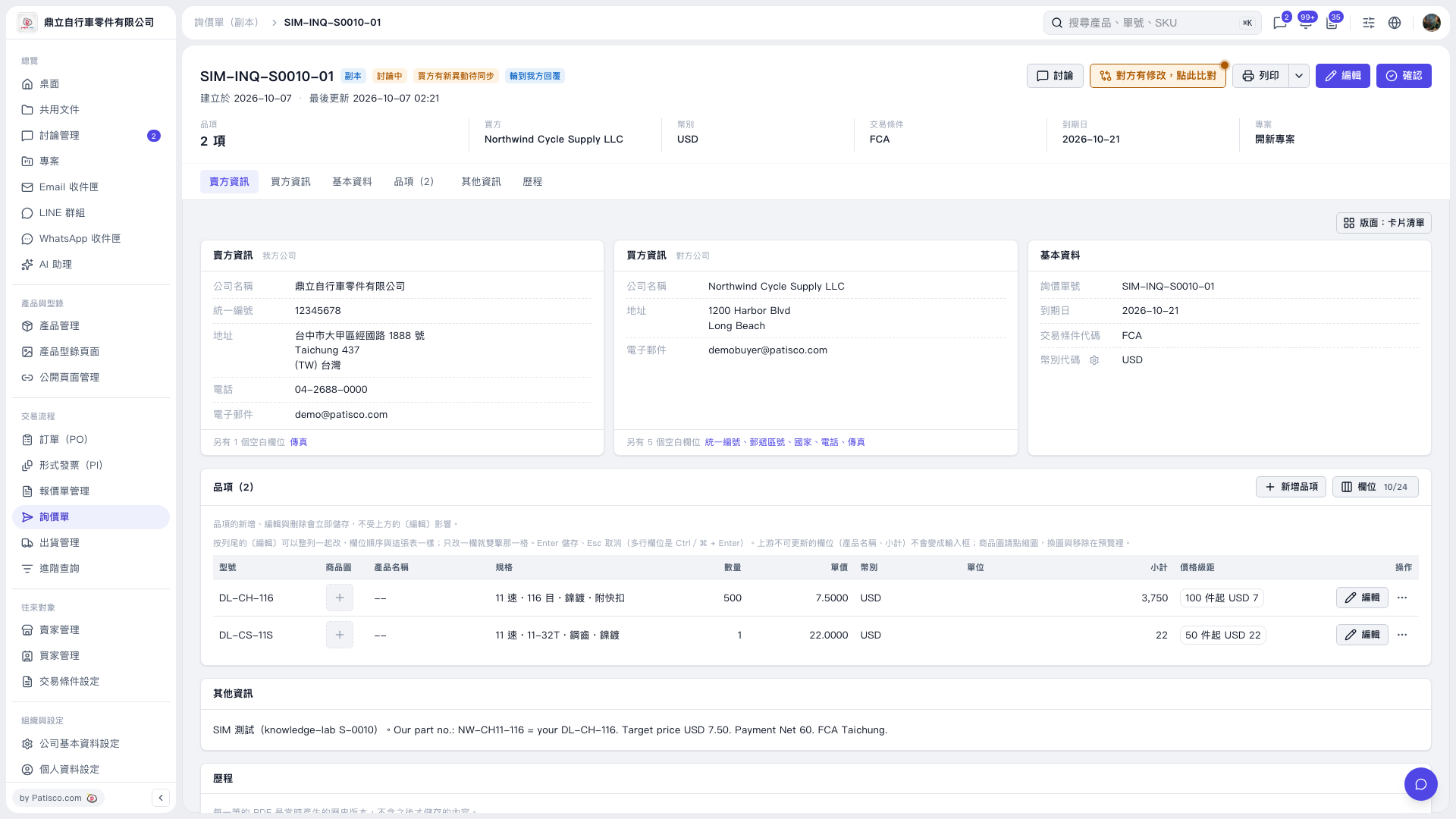 V5 新桌面版|SIM–INQ–S0010–01