
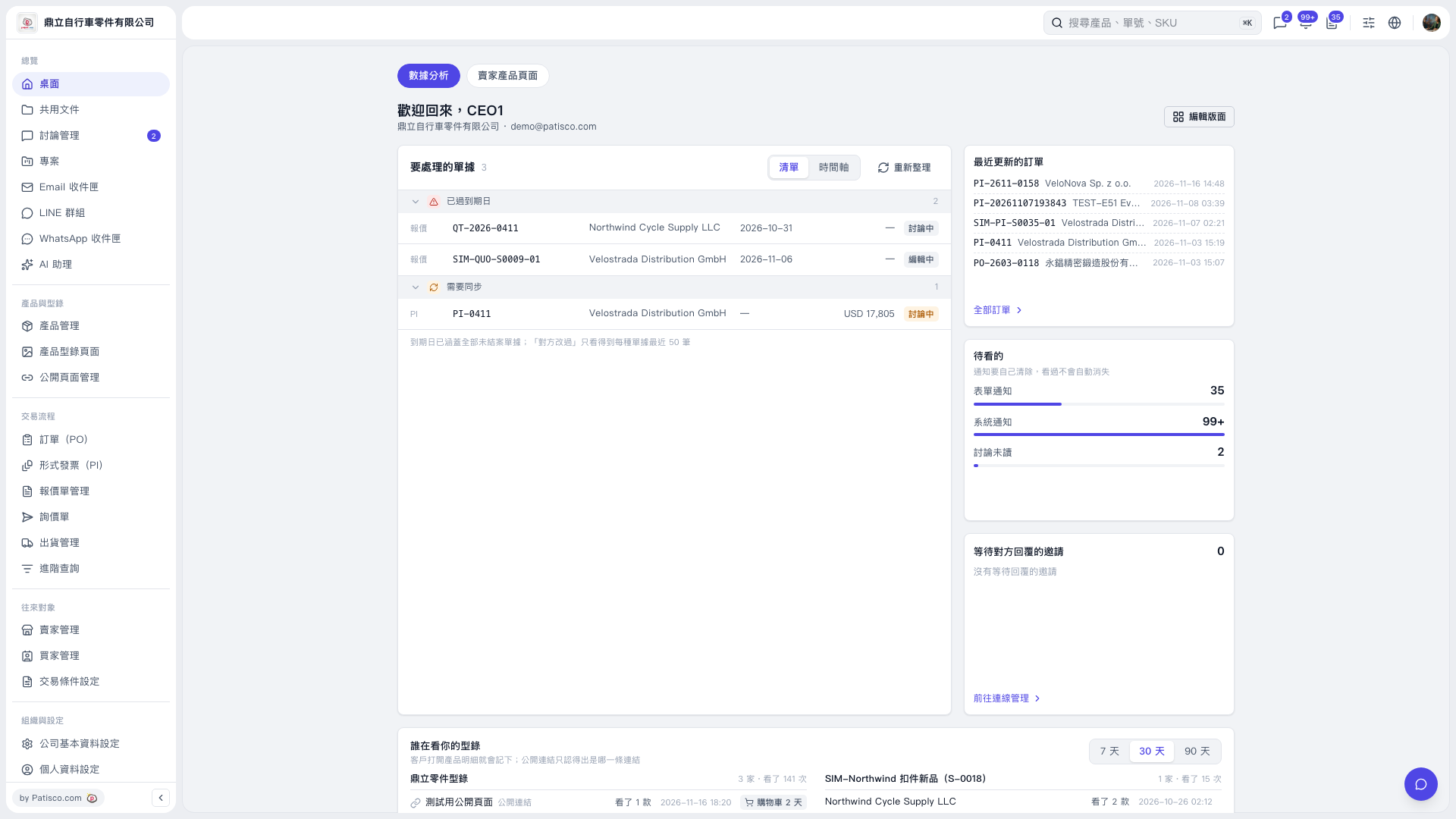
1. On the “Data Analysis” page of “Desktop”, find the “Recently Updated POs” section. 2. Check the PO numbers and update times, then click the PO number you want to view to open it. 3. To view all POs, click “All POs” at the bottom left of the section.
 V5 新桌面版|桌面|數據分析