
1. Tap a frequently asked question below the welcome message, such as “How do I list a product?” or “How do I create a quotation?”. 2. To ask your own question, tap the field at the bottom with the placeholder “Enter a question...”, enter your question, and tap “Send”. The “Send” button is gray when the input field is empty. 3. When you are finished, tap the X in the upper-right corner to close the window.
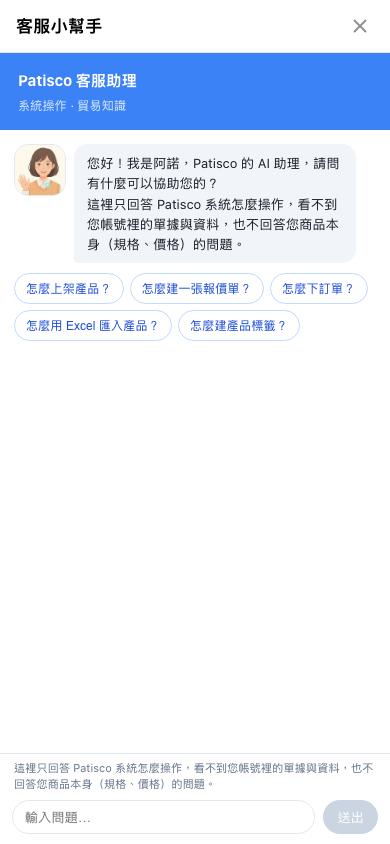 手機版|客服小幫手