
1. Click "Add Products & Categories," choose "By category" or "By product," and check the items you want to add. When selecting by category, you can expand a category and uncheck any subcategories you don't need. 2. Click "Preview and uncheck unwanted items." In the preview, all categories and products are checked by default. Uncheck the items you don't want to add. 3. When you have finished checking, click "Confirm add." Only then are the items added to the catalog. Unchecking items in the preview does not write anything to the catalog. You can ask: "I want to see the list first and then remove a few products. Is that possible?" The AI assistant would reply: "Yes. After choosing the source, press 'Preview and uncheck unwanted items,' uncheck the items you don't want, then press 'Confirm add.'"
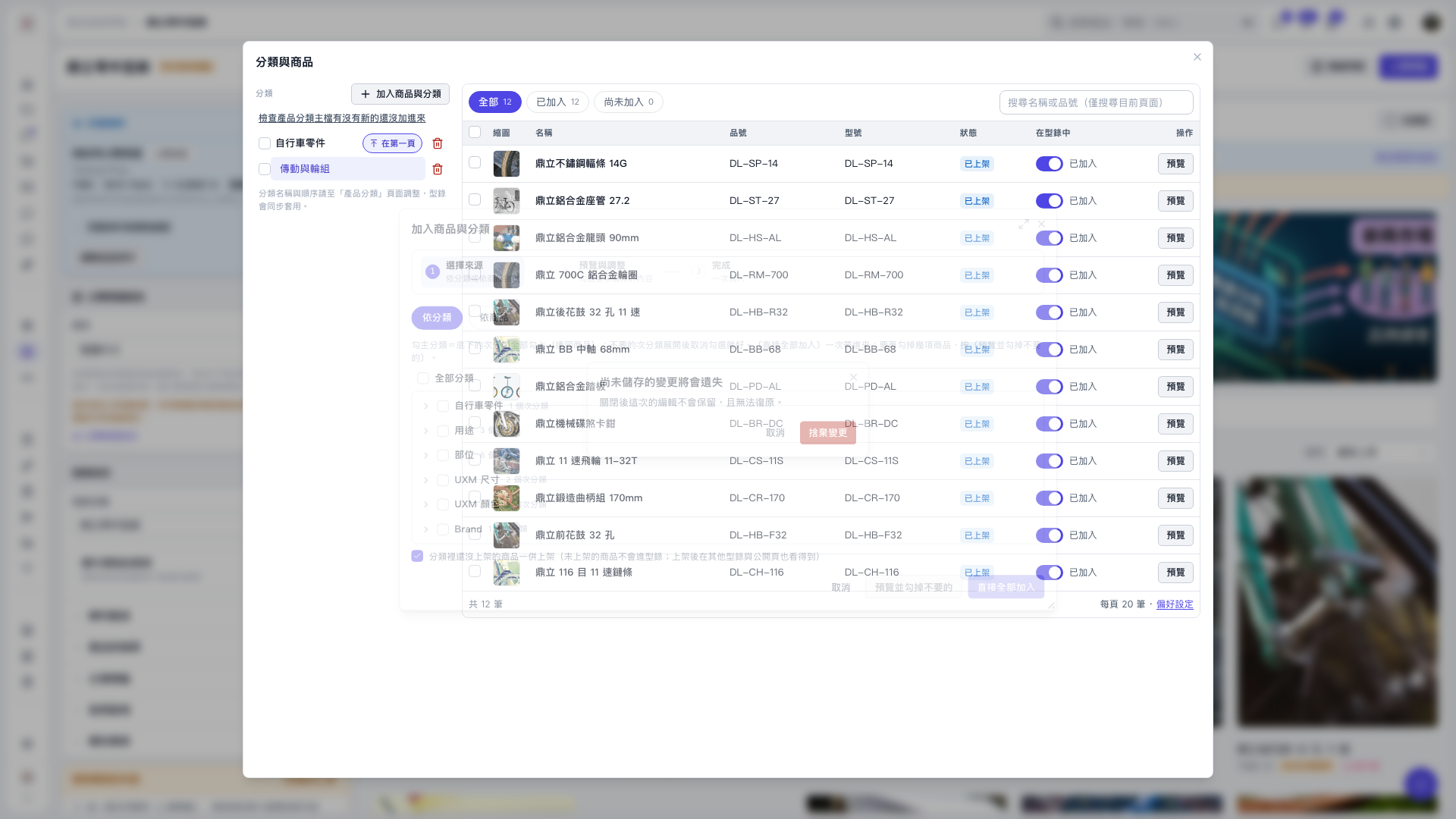 V5 新桌面版|分類與商品