
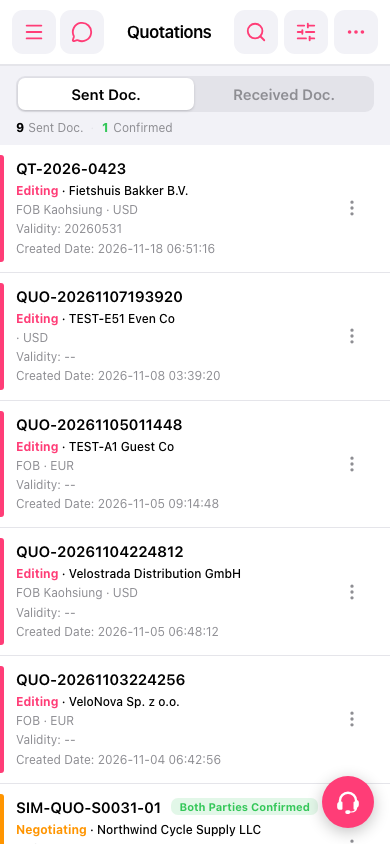
1. On the "Quotation" page, tap "Sent Doc." to view sent quotations, or tap "Received Doc." to view received quotations. 2. Find the quotation by its number, customer name, or document status. If needed, tap "Search" (magnifying glass icon) or "Filter" (adjustment sliders icon) in the upper-right corner to help find it. 3. Tap the quotation to view its contents.
 手機版|報價單(Quotations)