
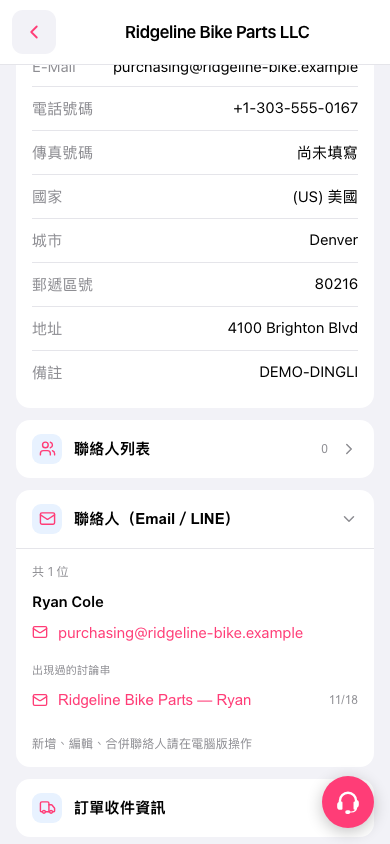
1. On the details page for the buyer “Ridgeline Bike Parts LLC,” tap “Contact List” to view the list. 2. On the company details page, expand “Contacts (Email / LINE)” to view contact names and email addresses. This section is currently expanded. 3. Tap “purchasing@ridgeline-bike.example” to open the email contact function. 4. To view related conversations, tap “Ridgeline Bike Parts — Ryan” under “Discussion Threads They Appeared In.”
 手機版|Ridgeline Bike Parts LLC