
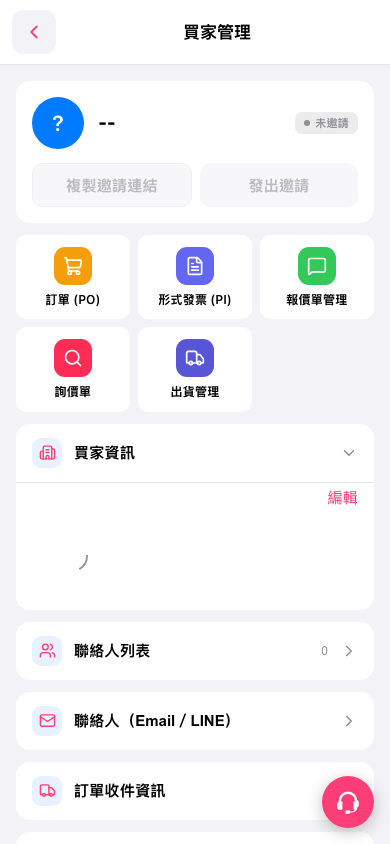
1. On the buyer details page in “Buyer Management,” tap “Contacts (Email / LINE).” 2. Find the contact, such as “Ryan Cole,” and view the conversation threads below their name. One thread is shown here. 3. Tap “Ridgeline Bike Parts — R…” to open that email conversation thread. 4. When you have finished viewing it, return to the buyer details page.
 手機版|買家管理