
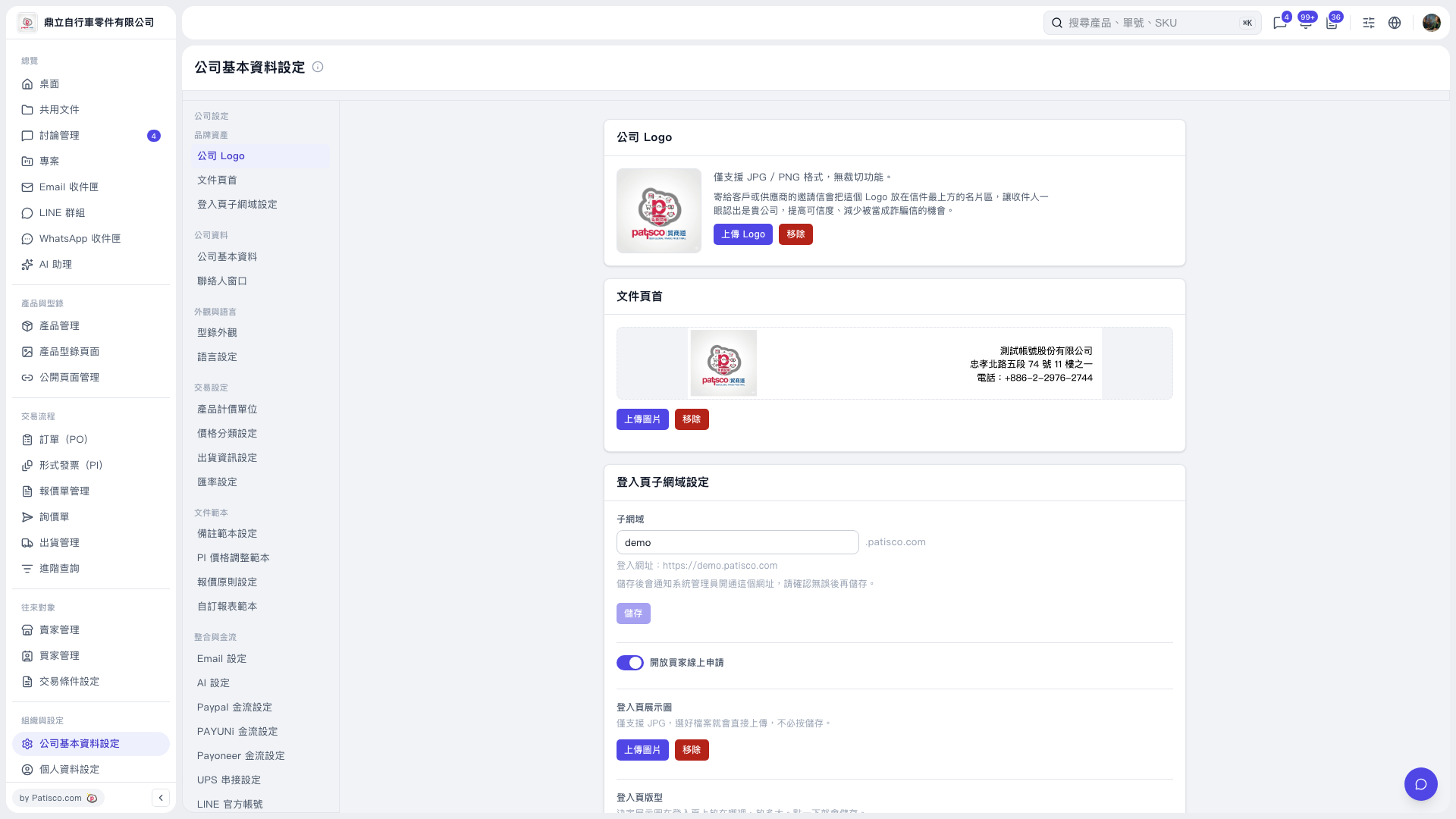
1. In the secondary sidebar on the "Company Basic Information Settings" page, find "Integrations and Payments" and click "AI Settings". 2. Under "AI Provider", select Claude or ChatGPT, choose a model, and enter the API Key. 3. Click "Update Settings" to save and activate the settings. The provider and model must be submitted together.
 V5 新桌面版|公司基本資料設定