
1. Click “Add Products and Categories”, select “By Category” or “By Product”, and check the content to add. 2. Click “Preview and Uncheck Unwanted Items”. All categories and products in the preview are checked by default. Uncheck any items you do not need. 3. After reviewing, click “Confirm Addition” to add the content to the catalog. Unchecking items in the preview alone does not submit the changes. 4. If an unsaved changes confirmation dialog appears when closing, click “Cancel” to return and continue editing. Clicking “Discard Changes” discards unsaved edits and closes the dialog. This cannot be undone.
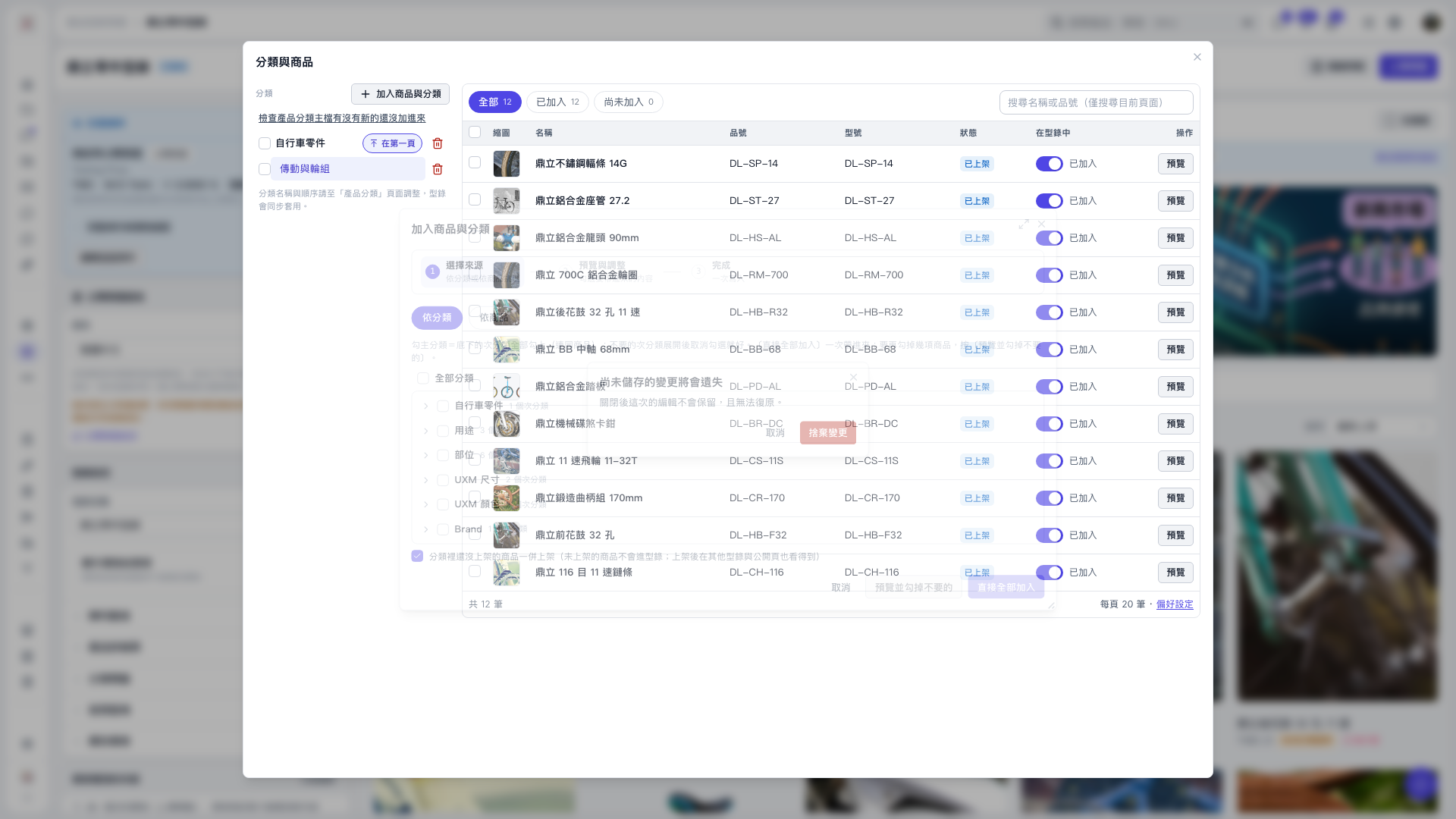 V5 新桌面版|分類與商品