
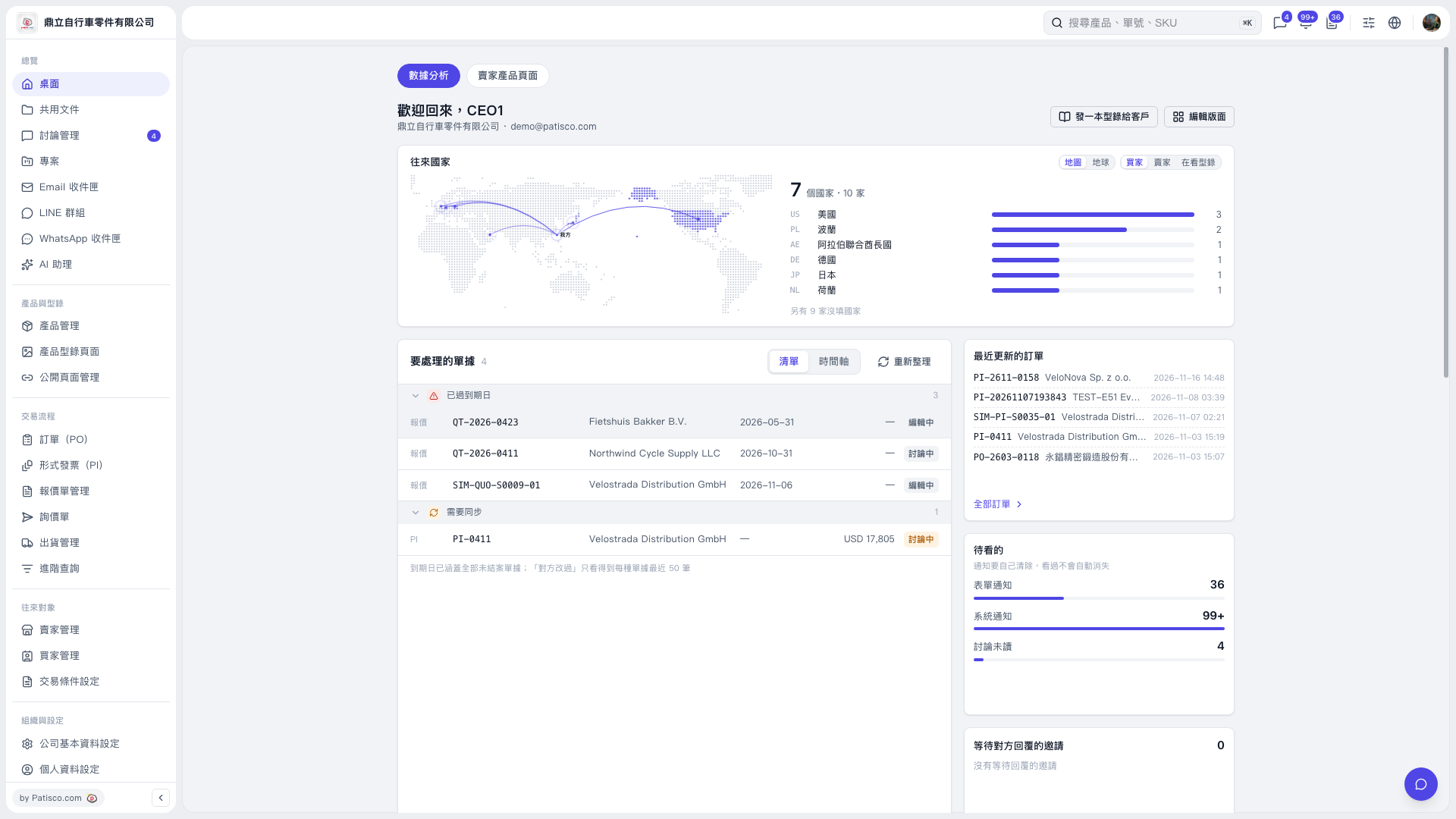
1. The desktop “Analytics” page only contains statistics and documents requiring attention. It has no shopping cart quantity field, so you cannot enter a quantity here. 2. First, go to a page with a shopping cart quantity field, such as a product page or the shopping cart, and enter a number in the quantity field. 3. After you enter a quantity, the page's “Total” updates accordingly. For example, during testing, adjusting the quantity from its initial value of 50 changed the total from “TWD 600” to “TWD 744”. 4. At the end of the test, the shopping cart is emptied and the public page mode returns to “Unspecified”. These are test reset actions, not the results of your normal operations.
 V5 新桌面版|桌面-數據分析