
1. Select “Analytics” under “Desktop”. 2. In “Documents to Process”, check the “Past Due” and “Sync Required” groups and review the document numbers, trading partners, and statuses. 3. You can switch between “List” and “Timeline” views. Click “Refresh” to update the data. 4. To view the full PO list, click “All POs” in the “Recently Updated POs” section.
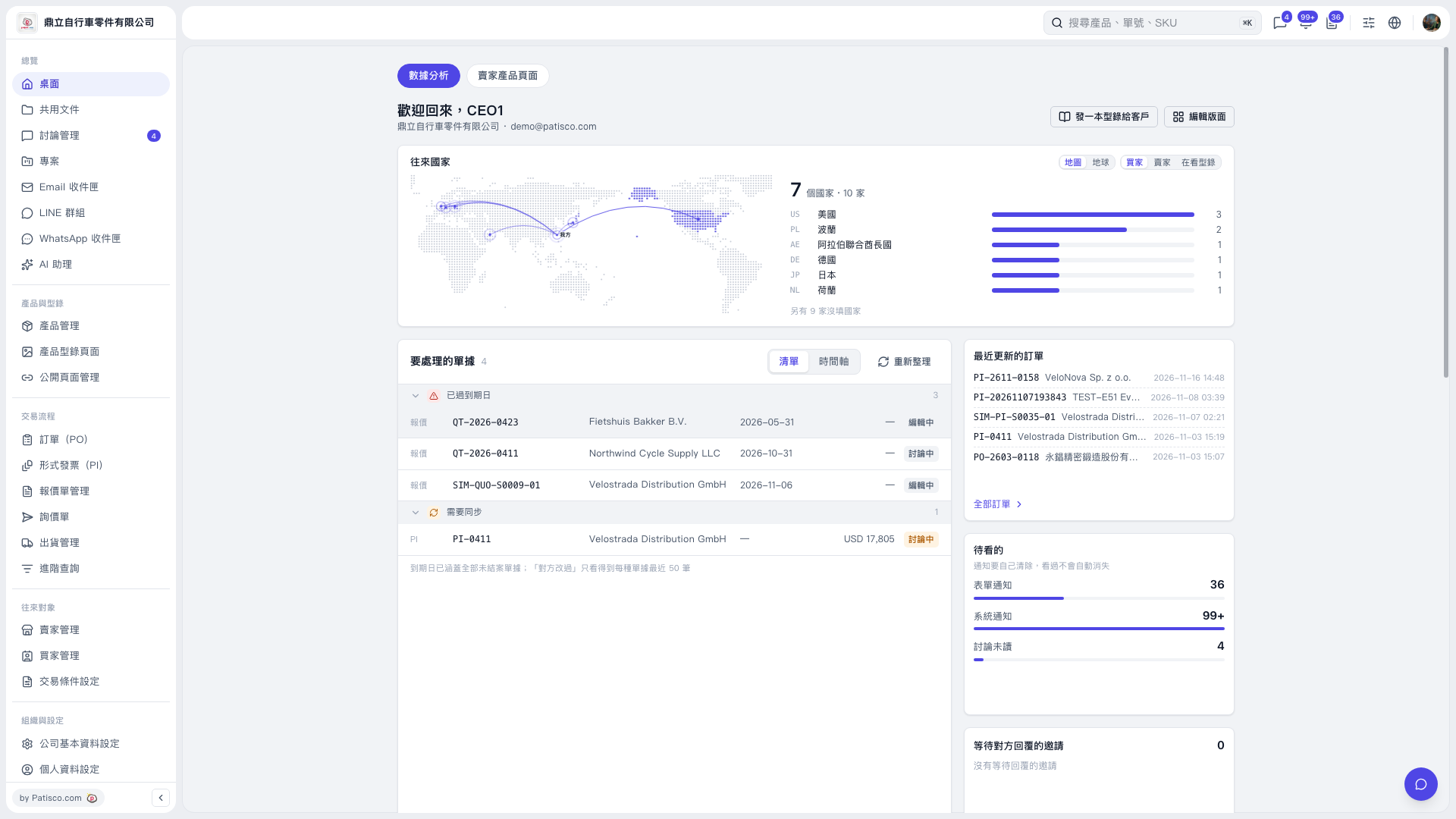 V5 新桌面版|桌面