
1. Open the project you want to link the document to, and first check the page title and customer name. 2. Click "Link a Document" in the upper-right corner of the "Milestones" section on the right. 3. In the interface that opens, select the document to link and complete the process. If the document is already in another project, the system displays: "This document is already in another project and cannot be linked to this project." 4. After linking it, confirm that the document appears under "Milestones," then click "Open" at the far right of its row to view its contents.
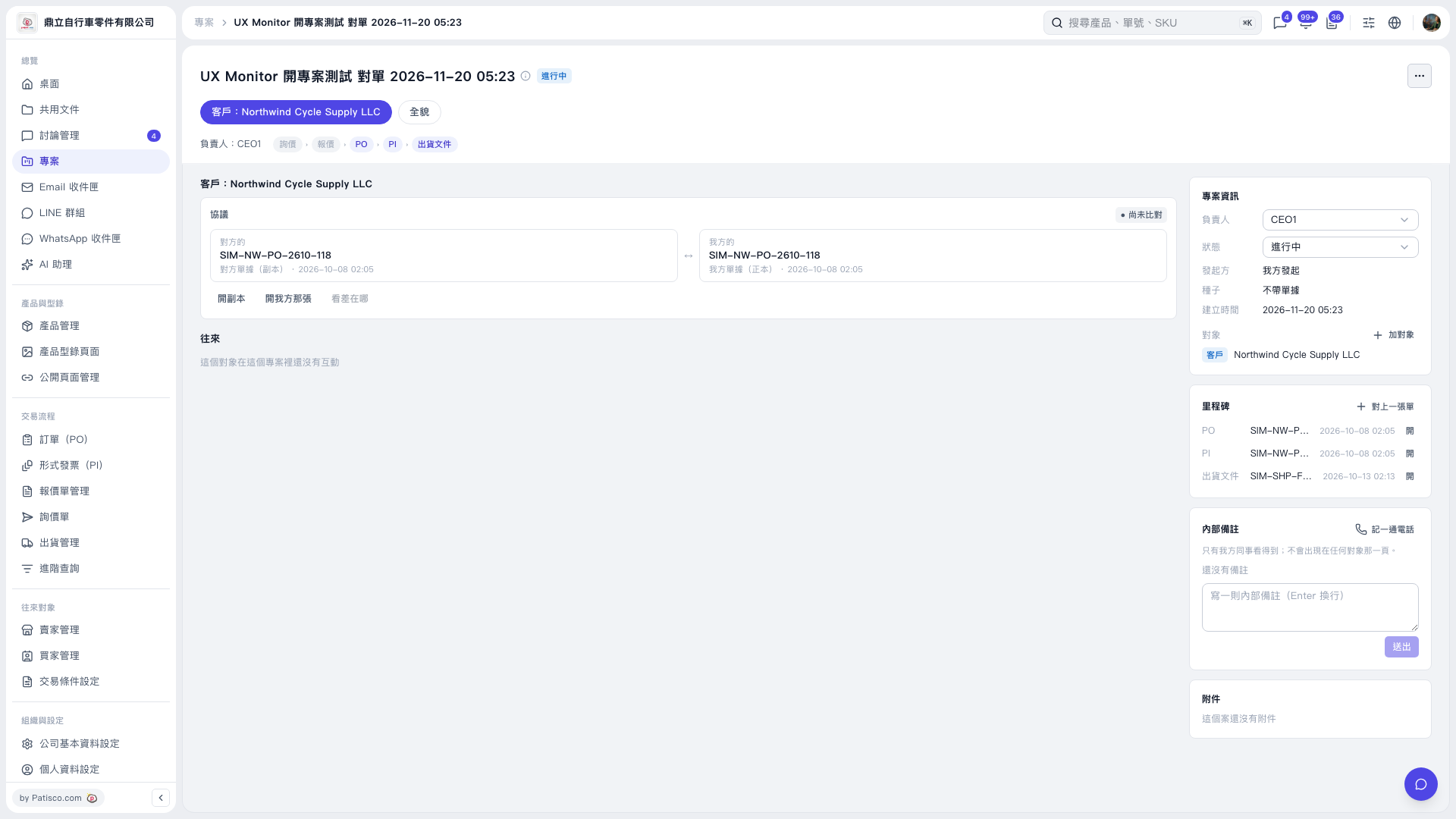 V5 新桌面版|UX Monitor 開專案測試 對單 2026–11–20 05:23