
1. Select “Projects” on the left to open the project list. 2. Click “Ask AI to organize” in the upper-right corner to start organizing projects with AI. 3. Once it is complete, review the results summary above the list. 4. To undo the entire batch of changes from the most recent AI organization, click “Undo batch” in the results notification bar.
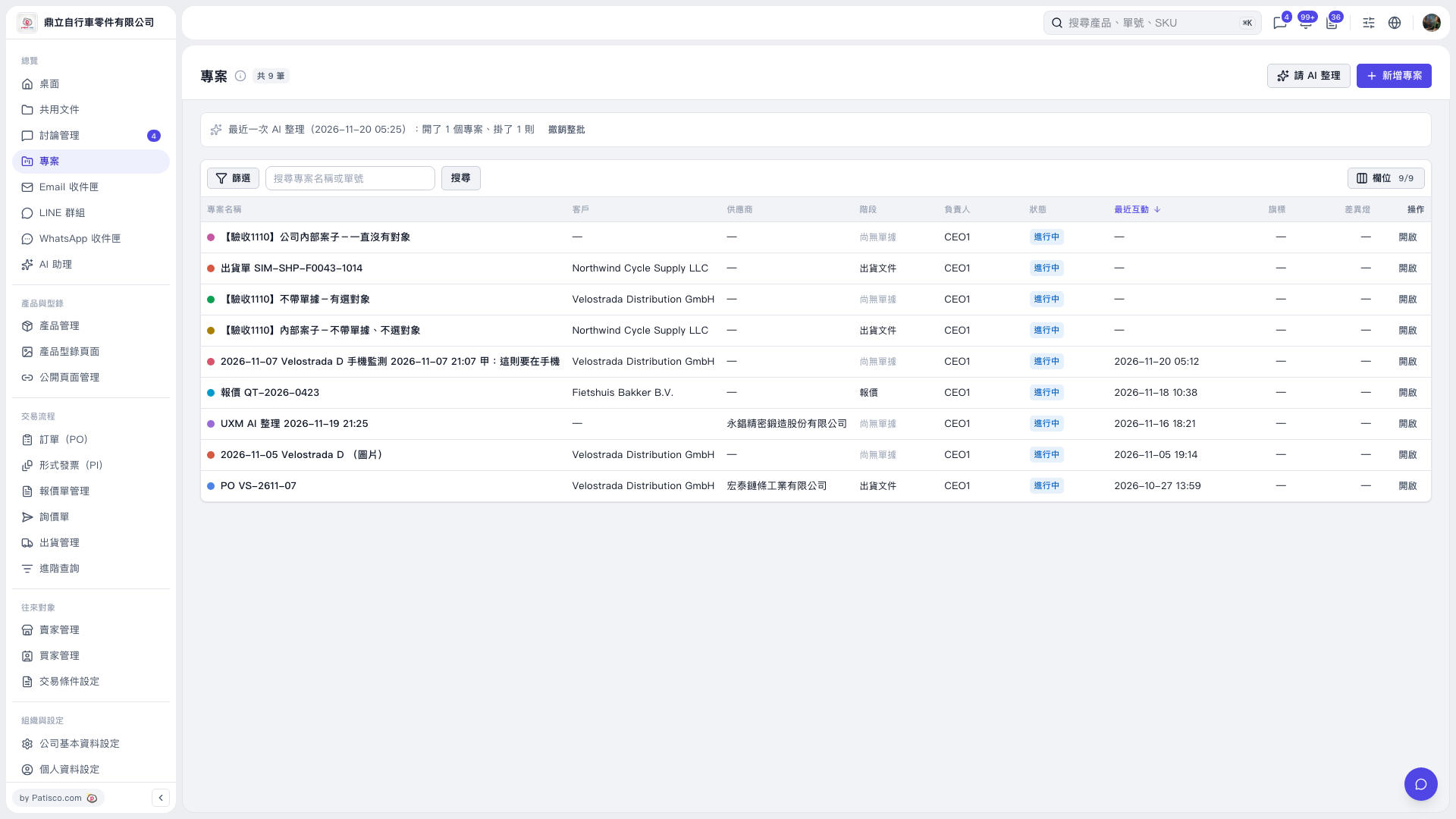 V5 新桌面版|專案