
1. Select a thread from the discussion list on the left. You can also use “Search discussions” to find a topic. 2. Enter your message in the “Enter a message” field at the bottom. 3. Click “Send to…” to view and select recipients. In this test, the window showed 1 company and 2 people, with “Send email” next to email recipients. There were no LINE or WhatsApp recipients. 4. Check the message and recipients, then click “Send”.
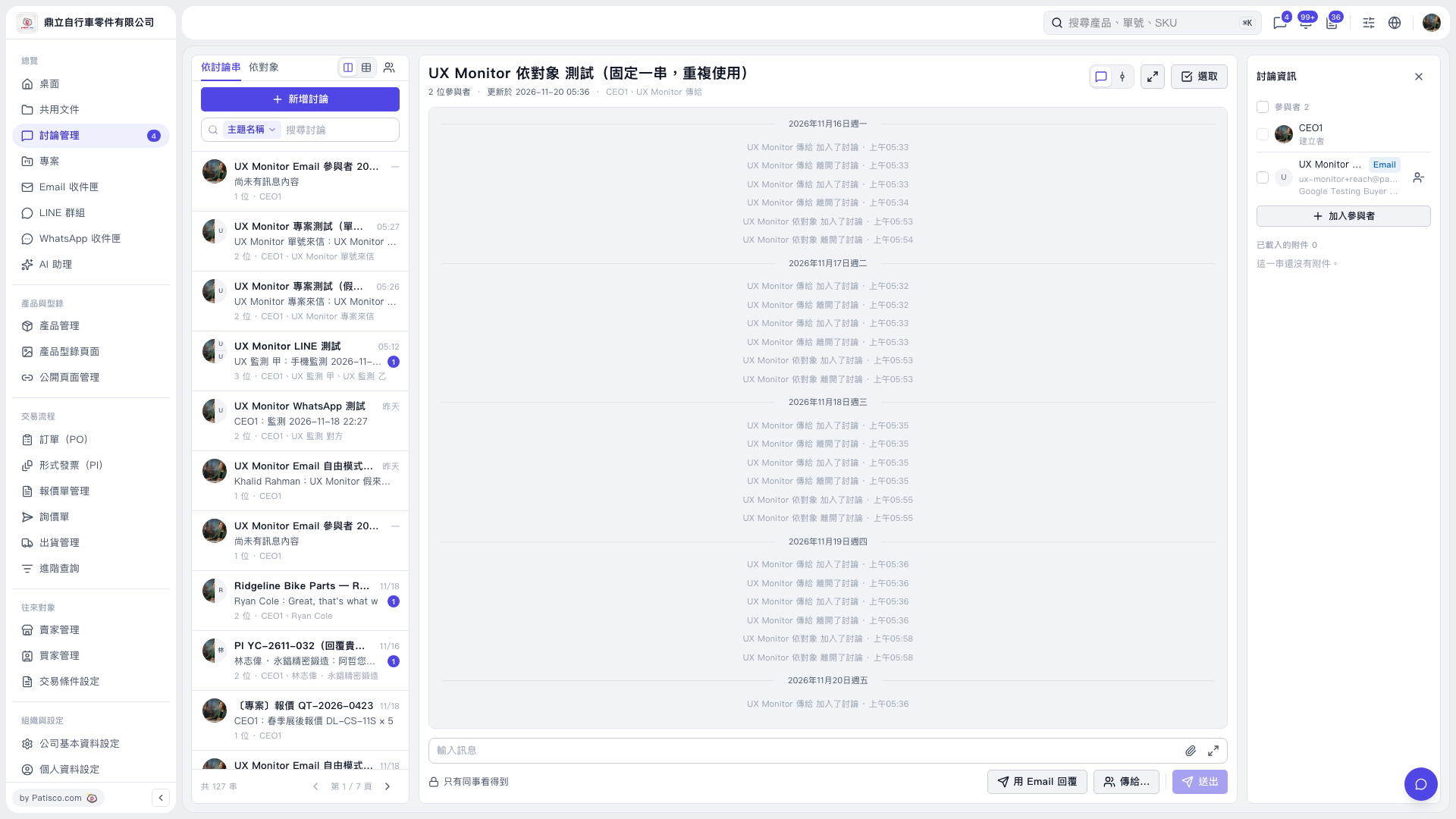 V5 新桌面版|UX Monitor 依對象 測試(固定一串,重複使用)