
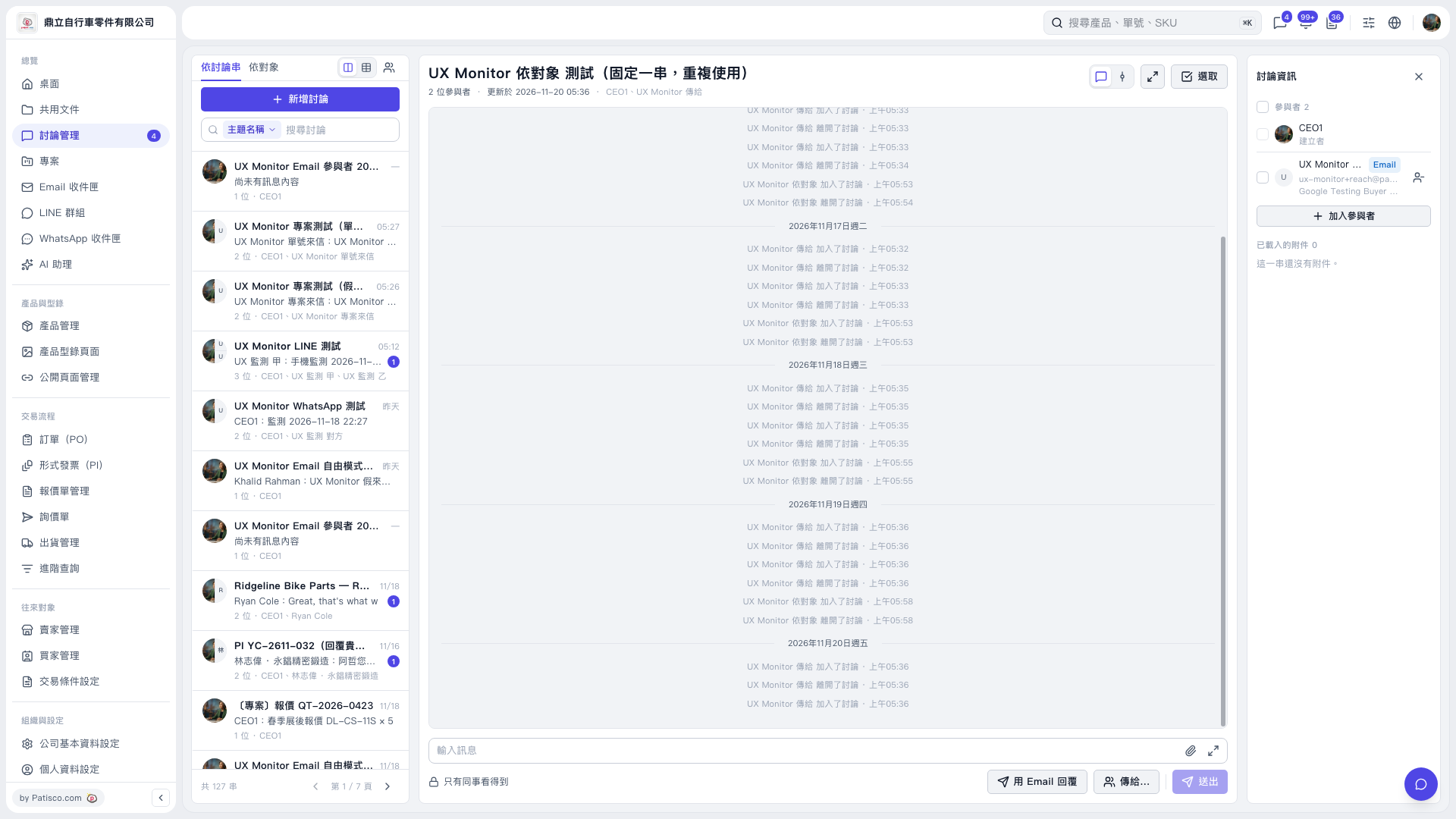
1. Select the thread you want to reply to on the left. You can also use “Search discussions” to find it. 2. Check the discussion title in the center and “Participants” on the right, then click “Reply by email” at the bottom right of the input area. 3. Once it opens, check whether the correct recipients have been filled in, and verify the sender and recipients in the “This email will be sent to the other party” banner. In this test, an email recipient was filled in, and the banner showed service@patisco.com as the sender. 4. After confirming the recipients, enter your reply. The available information does not show the subsequent sending steps.
 V5 新桌面版|UX Monitor 依對象 測試(固定一串,重複使用)