
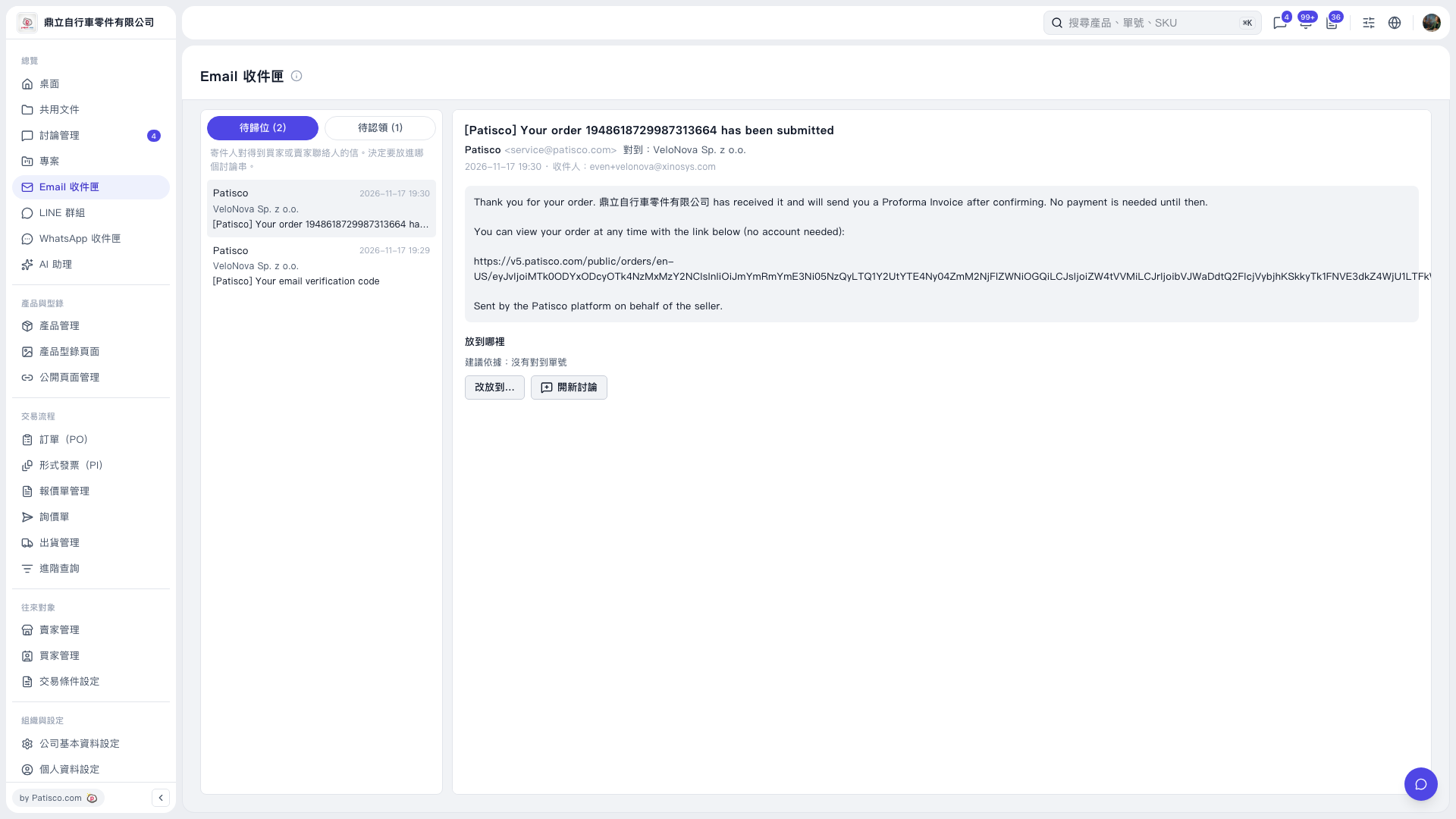
1. On the left side of "Email Inbox", click "Awaiting Placement (2)", then click the email you want to process. 2. Read the subject, sender information, and message body on the right to confirm which business matter the email belongs to. 3. Review the "Recommendation Basis" in the "Where to Place It" section. 4. To place it in an existing discussion thread, click "Move to…" and select the target thread. To create a new discussion thread, click "Start New Discussion" and follow the steps on the subsequent screens.
 V5 新桌面版|Email 收件匣