
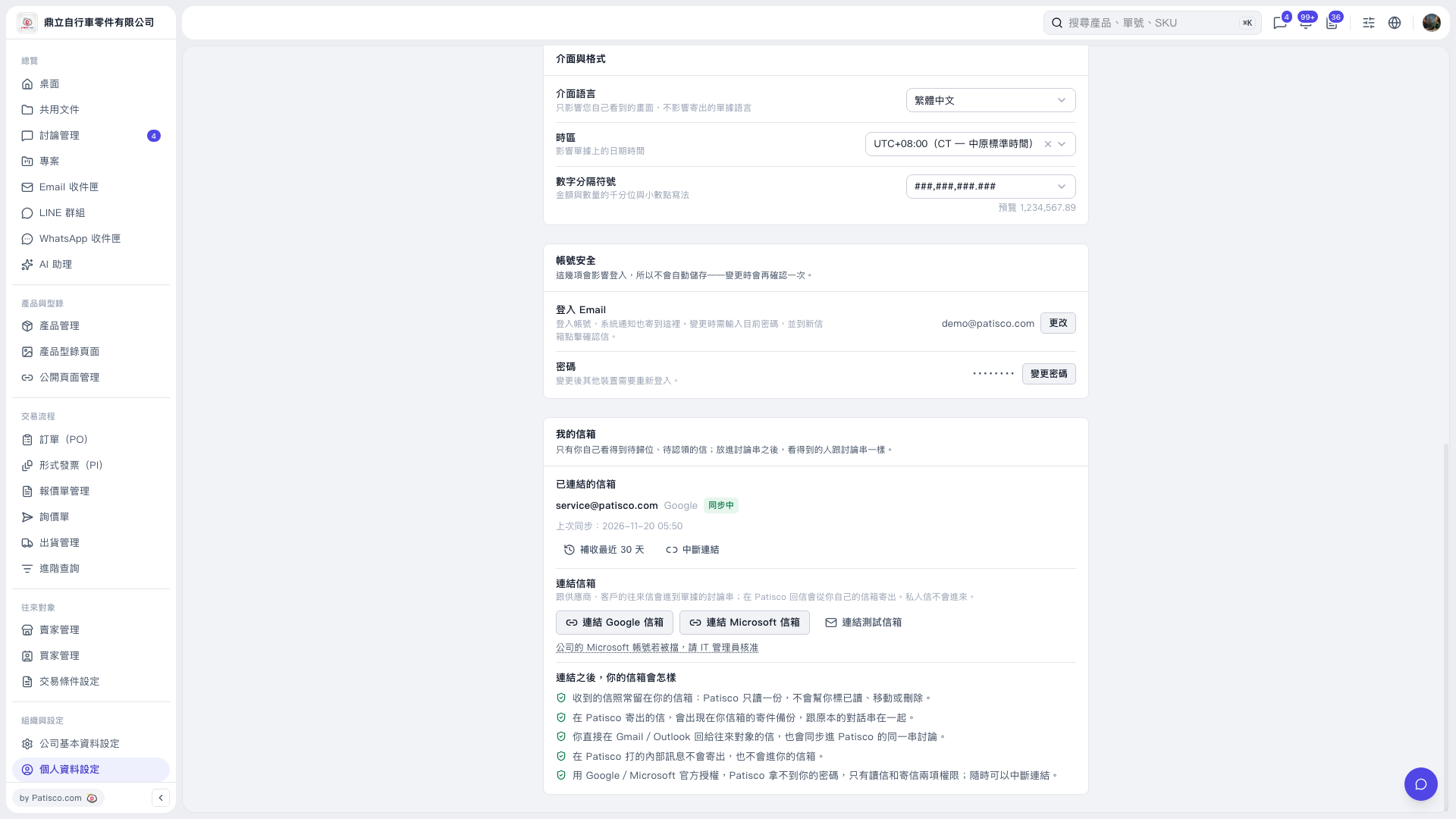
1. Find the "My Mailboxes" section on the "Profile Settings" page. 2. Click "Connect Microsoft Mailbox" to start the connection and authorization process. The authorization dialog is not yet displayed on the current screen. 3. After connecting, confirm the mailbox under "Connected Mailboxes" and check "Last Synced". 4. If you need to fetch recent emails, click "Fetch Last 30 Days".
 V5 新桌面版|個人資料設定