
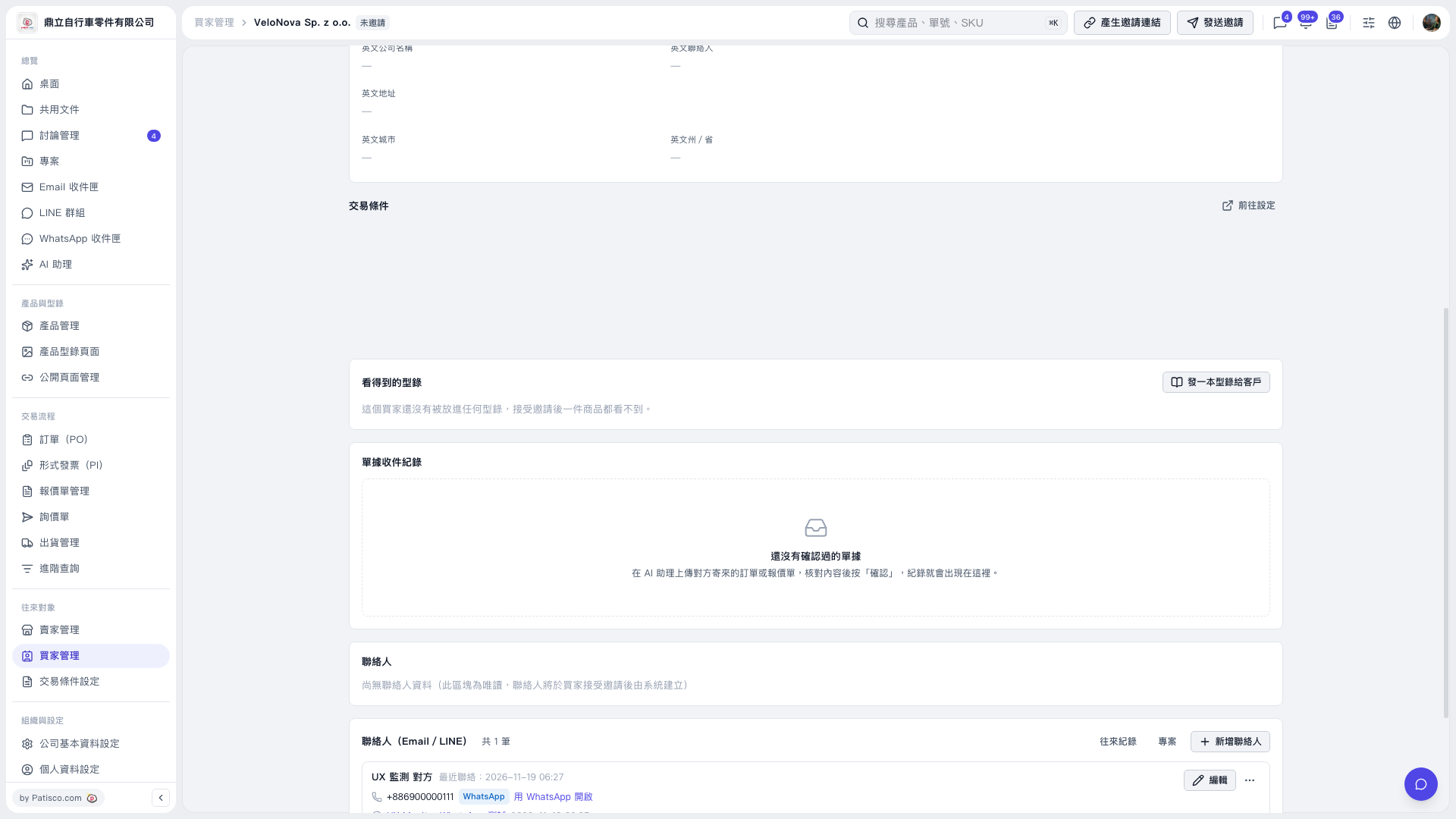
1. On the buyer details page, find the "Visible Catalogs" section and check which catalogs have already been shared. No catalogs have been shared with this buyer yet. 2. Click "Share a Catalog with a Customer" in the upper-right corner of the section to start sharing a catalog. In this test, the number of available catalogs was 0, so there were no catalogs to select. 3. This buyer's current status is "Not Invited". Click "Generate Invitation Link" or "Send Invitation" in the upper-right corner of the page to invite the buyer. 4. Once the buyer accepts the invitation, they can view the products in the catalogs shared with them.
 V5 新桌面版|VeloNova Sp. z o.o. 買家詳情