
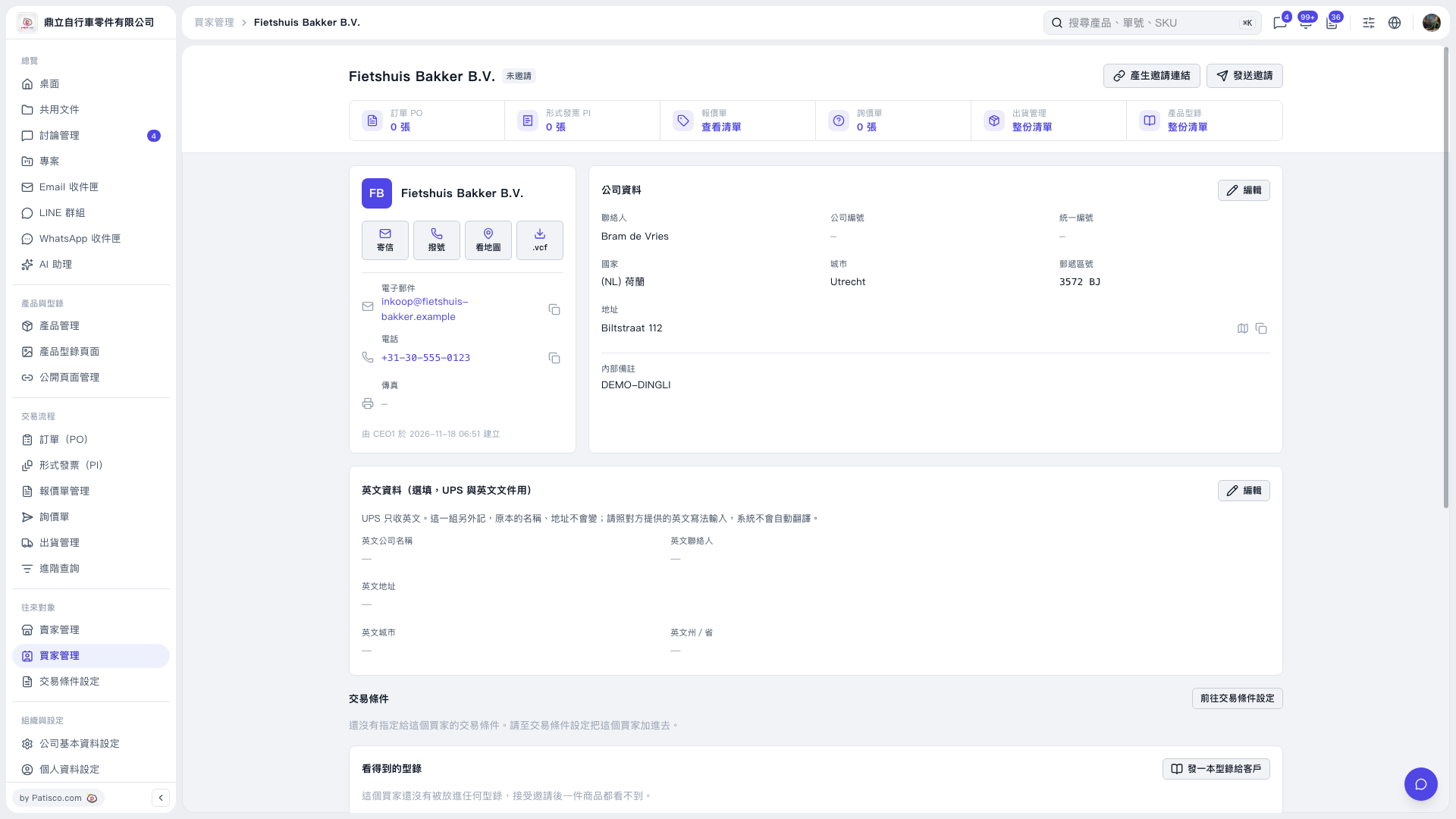
1. On the buyer page, check the buyer’s name, email address, and “Not Invited” status, then click “Send Invitation” in the upper-right corner. 2. If the buyer has not yet been linked to any trading conditions, neither “Select Trading Condition Settings” nor “Select Catalog” will have a preselected option in the invitation window, and “Send” will be disabled. 3. “Send” will be enabled only after you select one set of trading conditions and one catalog. Check your selections, then click it. 4. If you do not want to send the invitation yet, click “Cancel” to close the window.
 V5 新桌面版|Fietshuis Bakker B.V.