
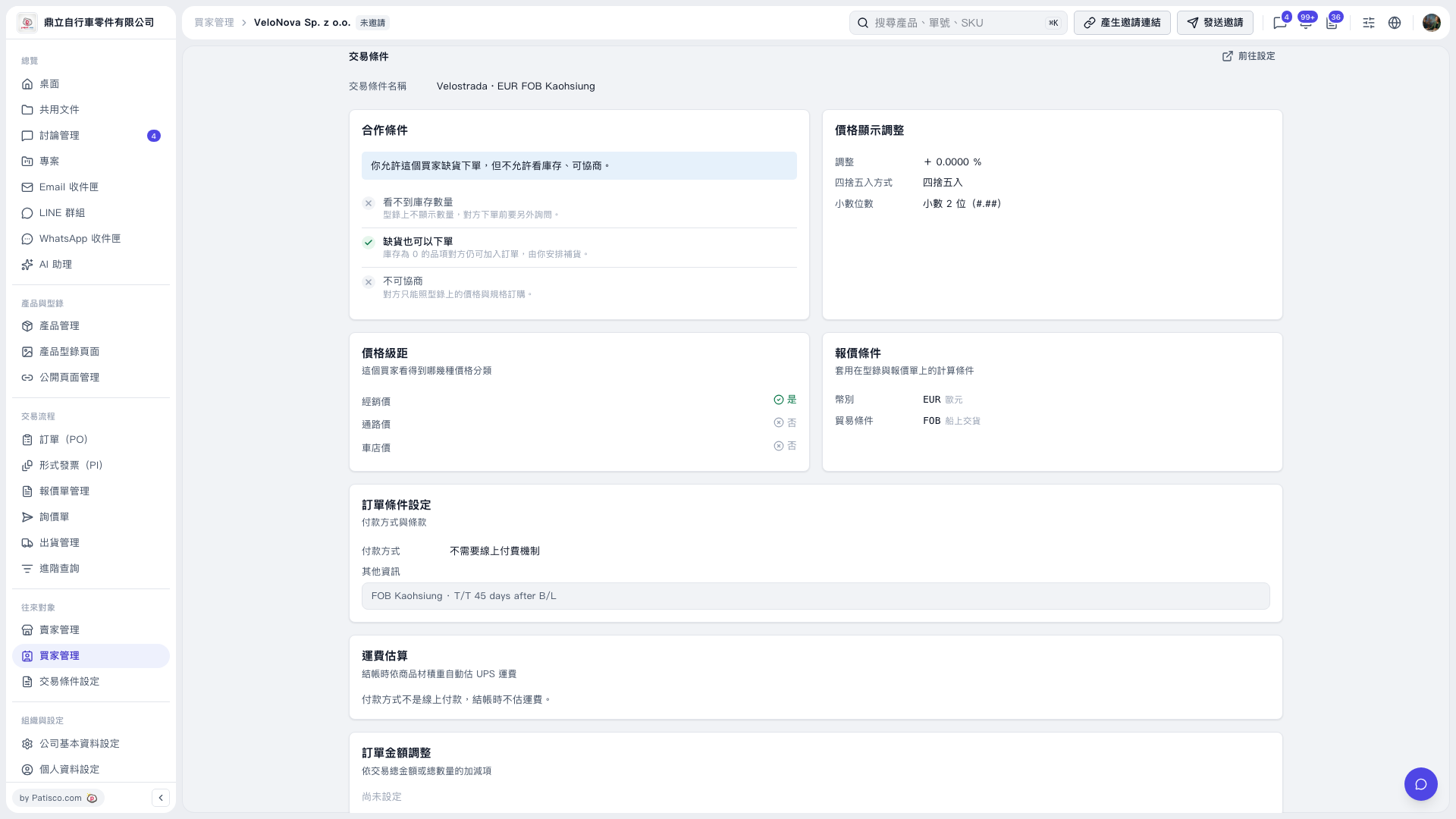
1. Open the buyer's details in Buyer Management and confirm the buyer's name. 2. Check the “Trading Conditions” section. If trading conditions are assigned, you can view their name, cooperation terms, price tiers, quotation terms, payment methods, and other details. If none are assigned, this section displays “No trading conditions have been assigned to this buyer yet.” 3. To make changes, click “Go to Settings” in the upper right of the “Trading Conditions” section to open the Trading Condition Setting page for the conditions assigned to this buyer.
 V5 新桌面版|VeloNova Sp. z o.o.-交易條件