
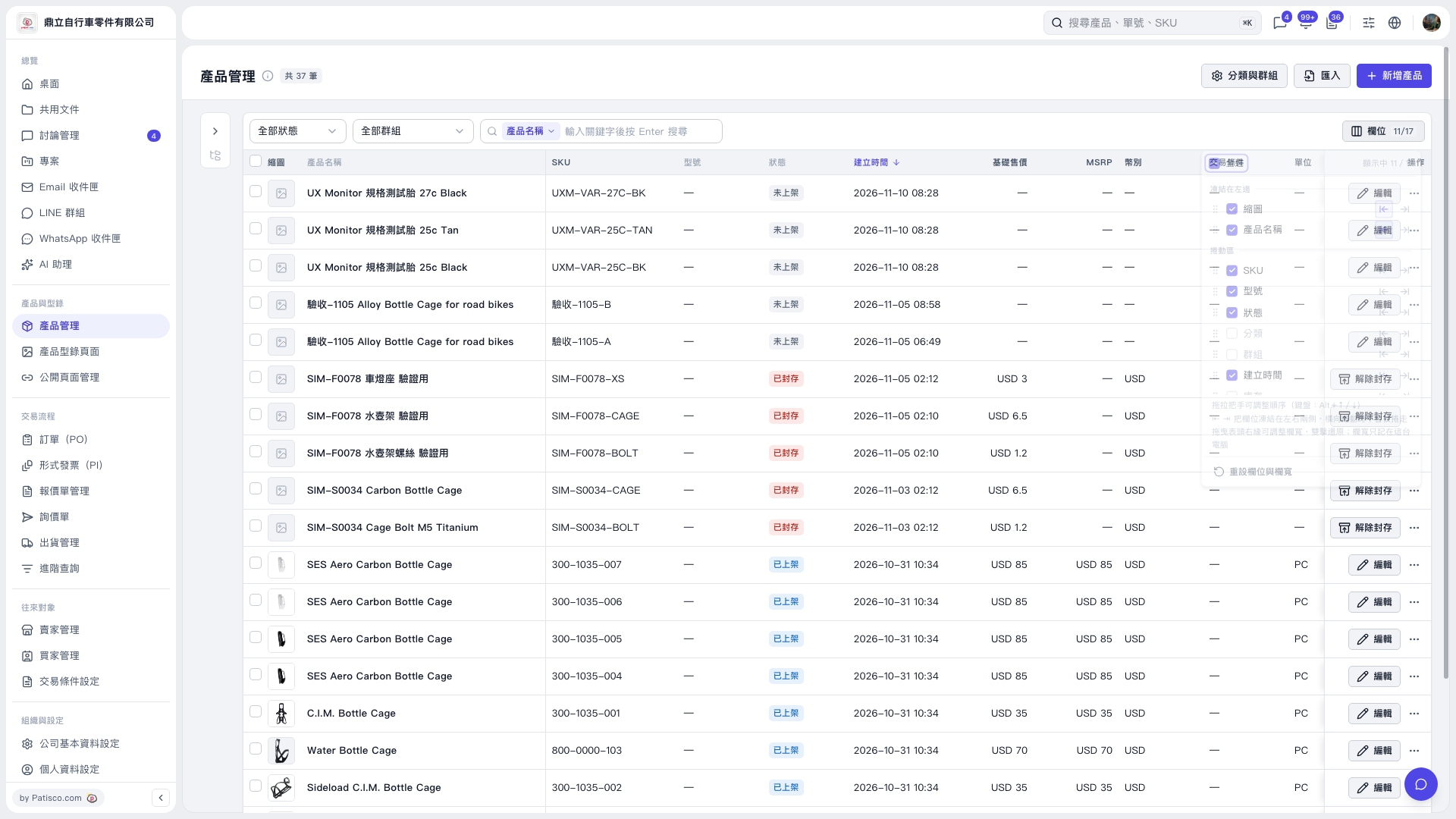
1. In Product Management, click the “Columns” button at the top right of the list to open the column settings panel. 2. Select the columns you want to show, such as “Base Selling Price,” “MSRP,” “Currency,” “Trading Conditions,” or “Unit.” 3. Clear the checkboxes for columns you do not need to show.
 V5 新桌面版|產品管理