
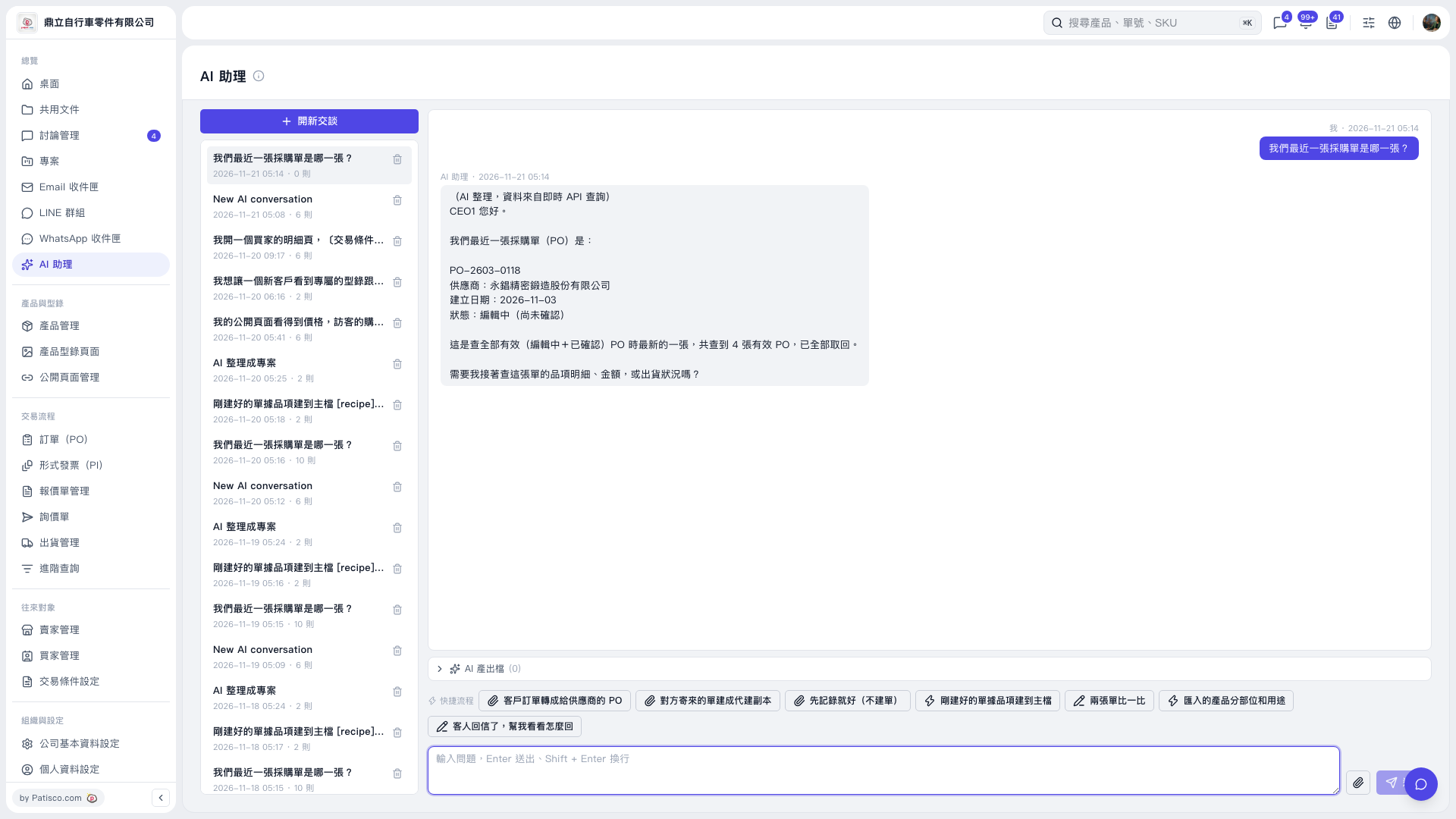
1. On the AI assistant page, click "New conversation," or select an existing conversation from the list on the left. 2. Enter your question in the message box at the bottom. For example: "What is our most recent PO?" 3. Press Enter or click the paper airplane icon to send. Press Shift + Enter to insert a line break. 4. View the response in the conversation area on the right. AI will respond along these lines: "The most recent PO number is …, the supplier is …, the creation date is …, and the status is …." The actual content depends on the query results. 5. To continue, enter "Look up the line items, amount, or shipping status of this PO" and send it.
 V5 新桌面版|AI 助理