
1. In the left menu, click "AI Settings" under "Integrations and Payments". 2. Select an "AI provider" and a corresponding model, then enter the "API Key". 3. Click "Update settings" to save and enable the settings. The provider and model must be saved together for the settings to take effect.
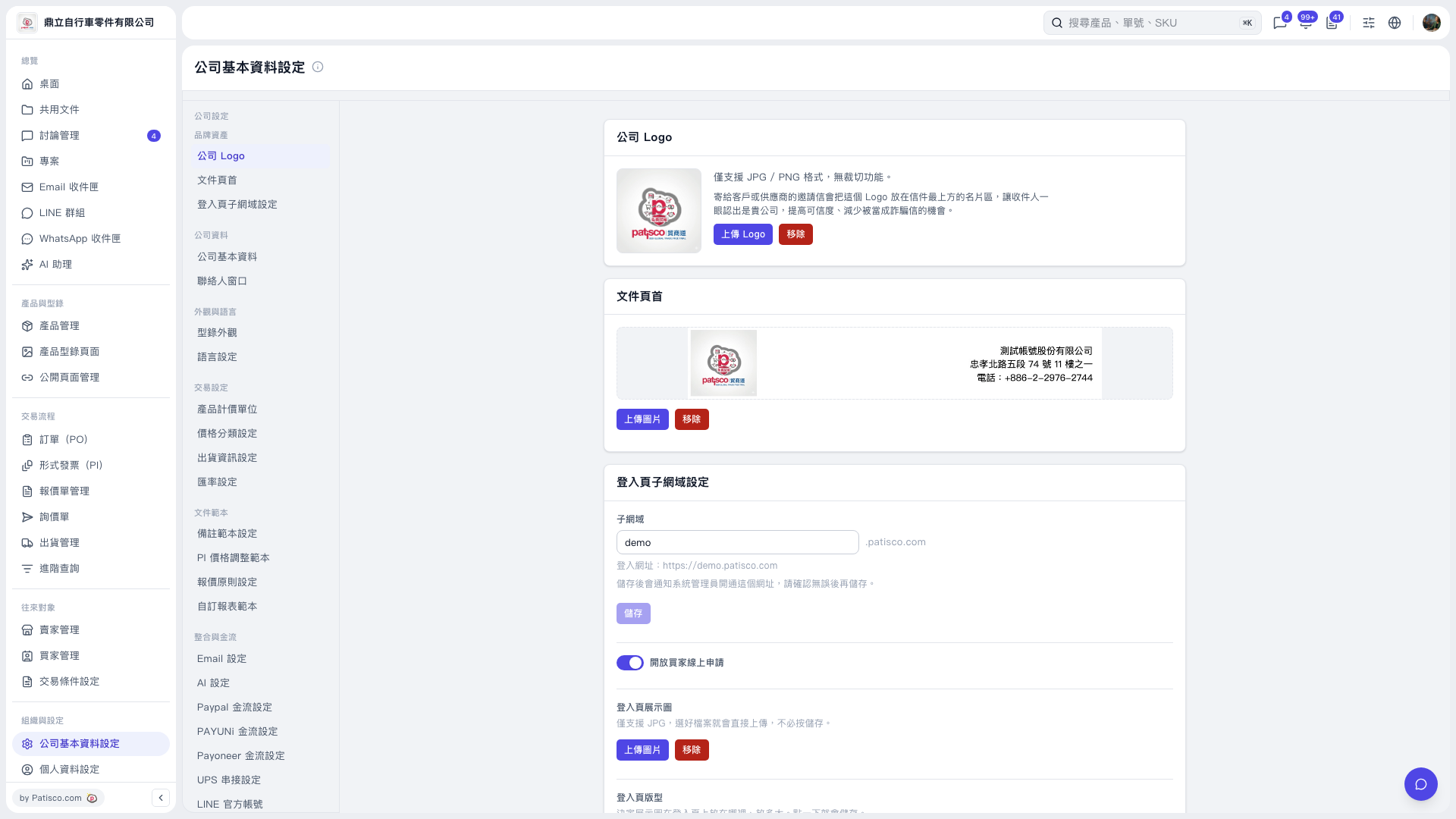 V5 新桌面版|公司基本資料設定