
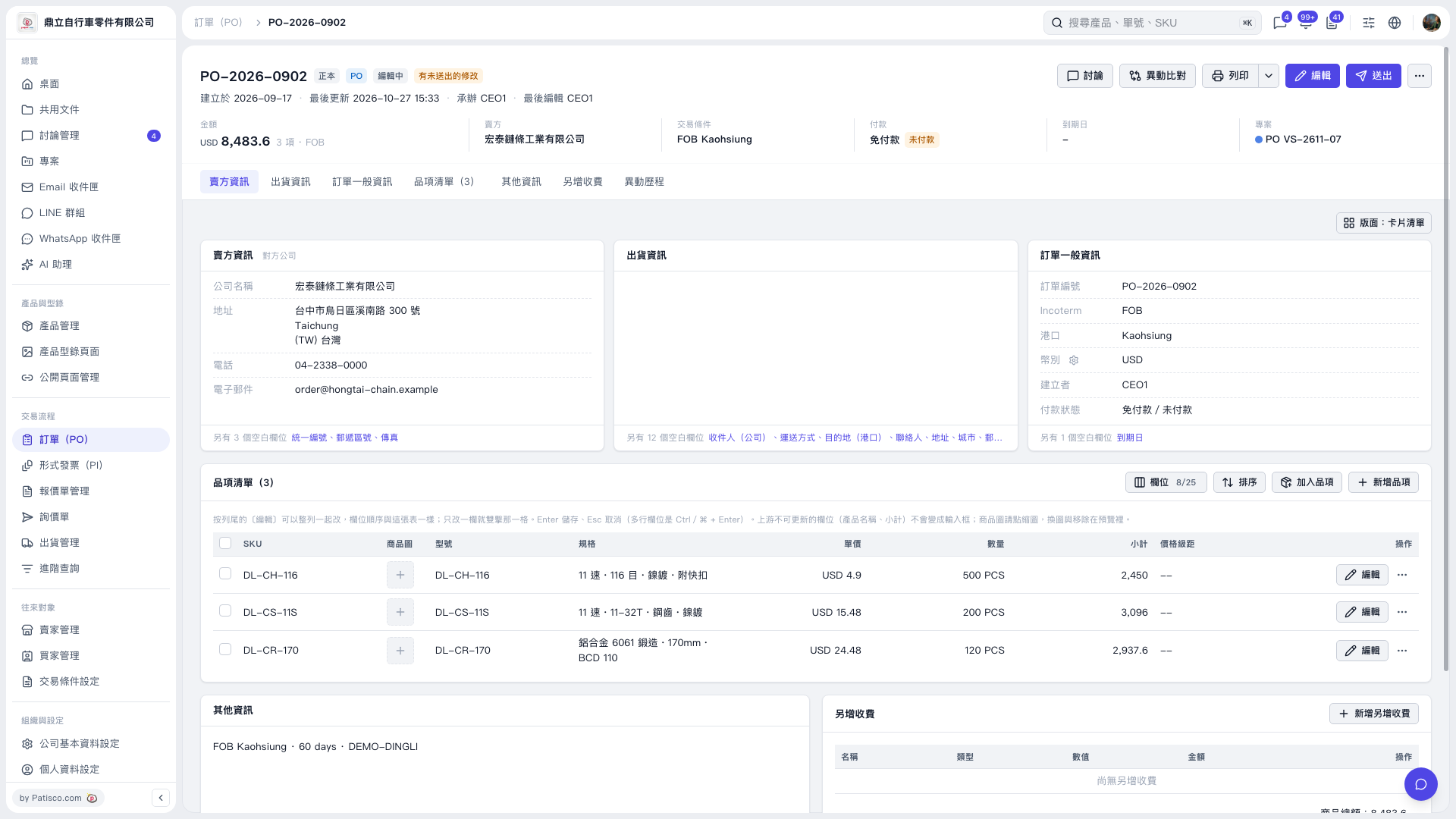
1. Go to the "Item List" and click [Edit] on the right of an item to edit its details. 2. To add existing items, click [Add Items]. To create a new product and add it to the PO, click [New Item]. 3. To add extra charges, go to the "Additional Charges" section, click [Add Additional Charge], and enter the charge details. 4. After making changes, check the PO contents, then click [Send] in the upper-right corner.
 V5 新桌面版|PO–2026–0902