
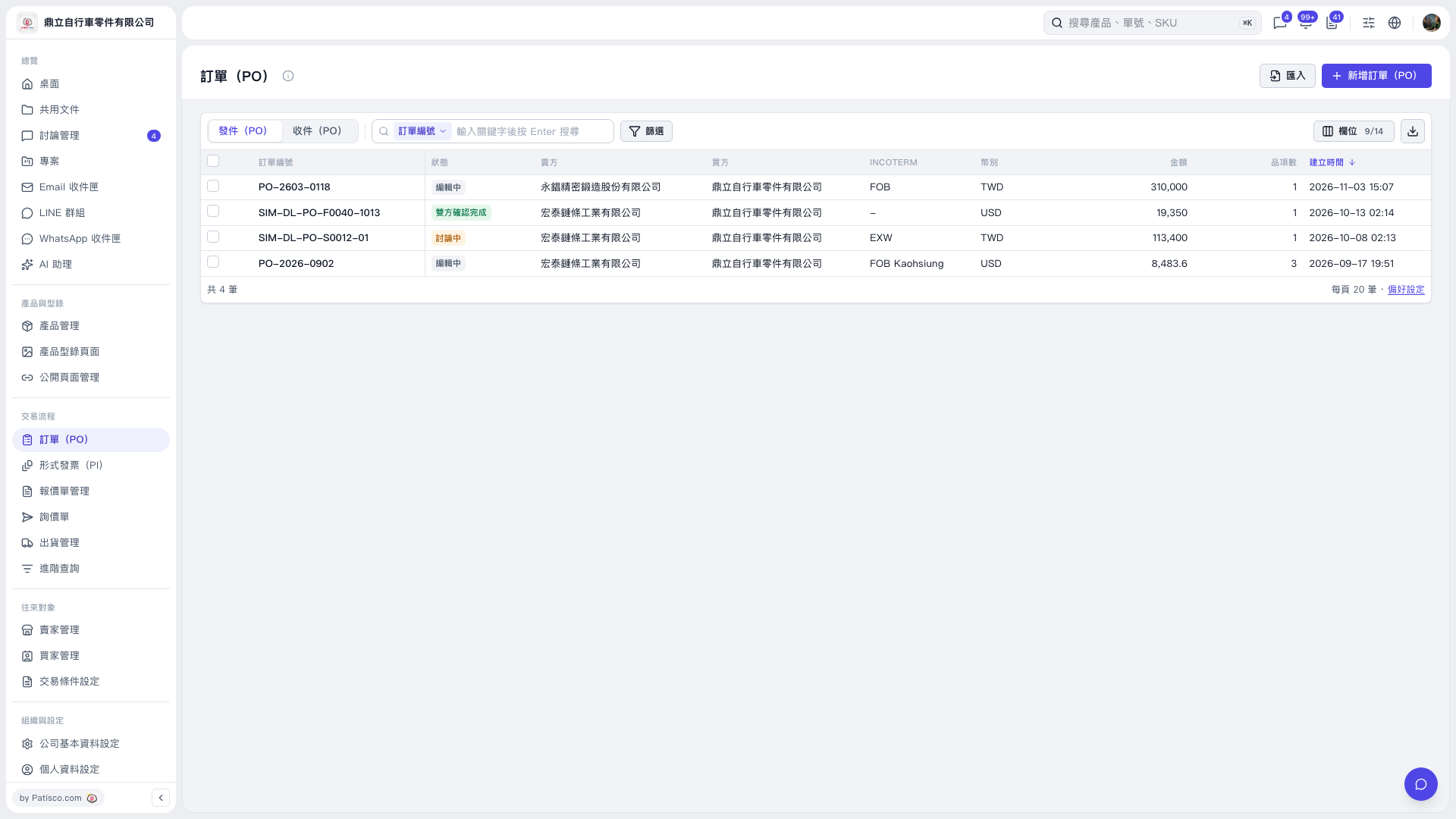
1. On the PO page, select "Sent (PO)" or "Received (PO)" at the top left of the list. 2. Select a search criterion above the list, such as "PO number," enter a keyword, and press Enter to search. 3. To narrow the results using other criteria, click "Filter" and set the conditions. 4. View the PO number, status, buyer, seller, and amount in the list.
 V5 新桌面版|訂單(PO)