
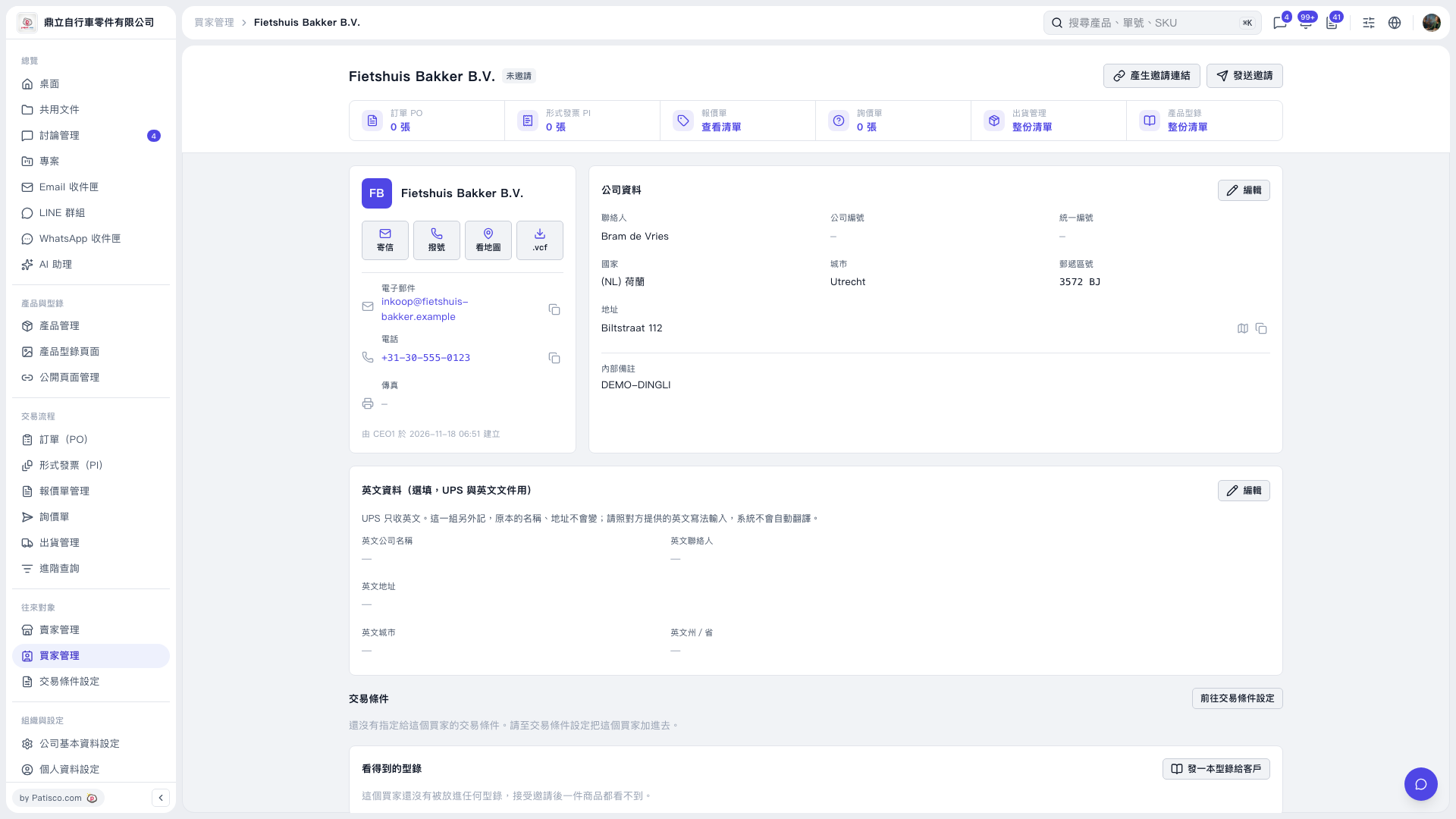
1. In the “Visible Catalogs” section on the buyer details page, click “Send a Catalog to the Customer” to set which catalogs this buyer can view. 2. Click “Send Invitation” in the upper-right corner of the page, or click “Generate Invitation Link” to get an invitation link. 3. Once the buyer accepts the invitation, they can view the products made available to them.
 V5 新桌面版|Fietshuis Bakker B.V.