
1. On the buyer information page, confirm that the contact person and email address are correct. If changes are needed, click “Edit” in the upper-right corner of the company information section. 2. Click “Send Invitation” in the upper-right corner of the page. 3. If the buyer has not been assigned trading conditions, neither “Select Trading Condition Settings” nor “Select Catalog” will have a preselected option. Select one option in each field to enable “Send.” 4. After making your selections, click “Send” to send the invitation. If you click “Cancel” to close the dialog, the invitation will not be sent.
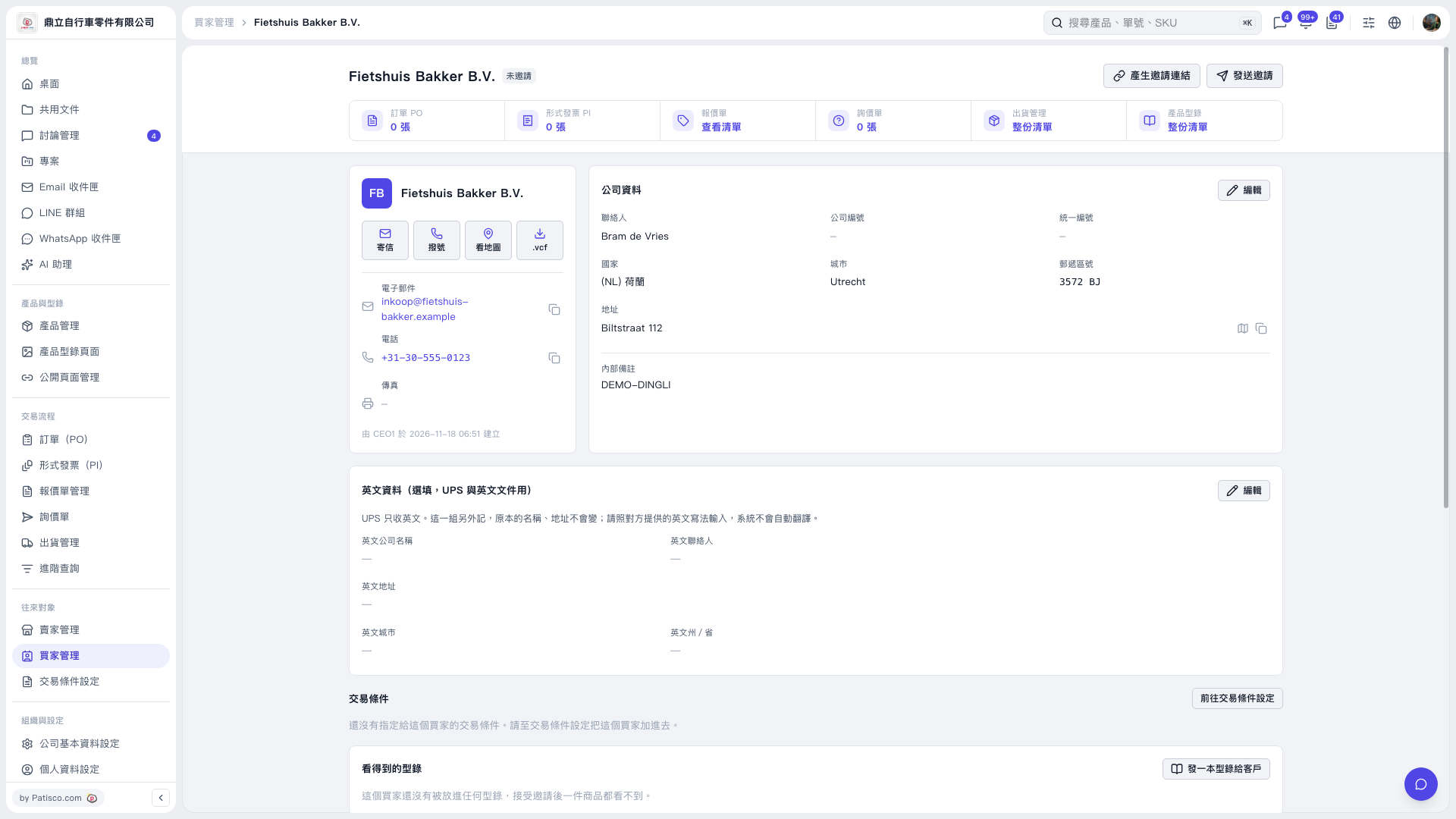 V5 新桌面版|Fietshuis Bakker B.V.