
1. Click “Send Invitation” in the upper-right corner of the buyer page. 2. Select the catalog to make available to this buyer, then select a set of trading conditions. Both a catalog and trading conditions are required. If you select only a catalog, “Send” remains disabled. 3. Once both are selected, “Send” becomes available. Check the details before sending the invitation. 4. To abandon the operation, click “Cancel,” then “Discard Changes.” If you close the dialog without clicking “Send,” no invitation will be emailed and the selected trading conditions will not be applied.
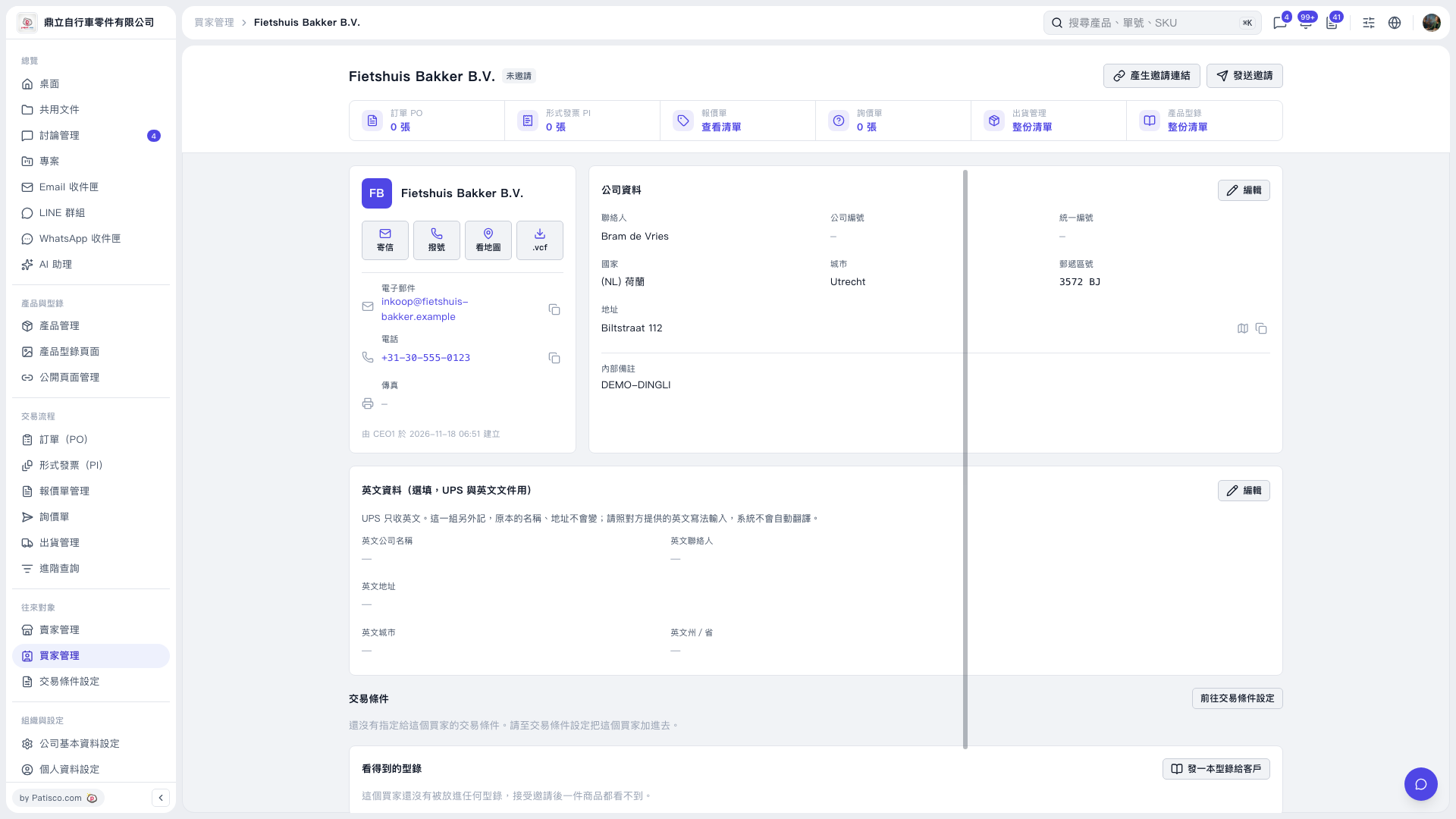 V5 新桌面版|Fietshuis Bakker B.V.