
1. Open "Shared Files" and find the folder you need in the "Categories" panel on the left side. 2. Click on a category or date subfolder to browse, upload, and manage files in that category on the right side. 3. To add a new category, click the "+" button in the upper right corner of the "Categories" panel.
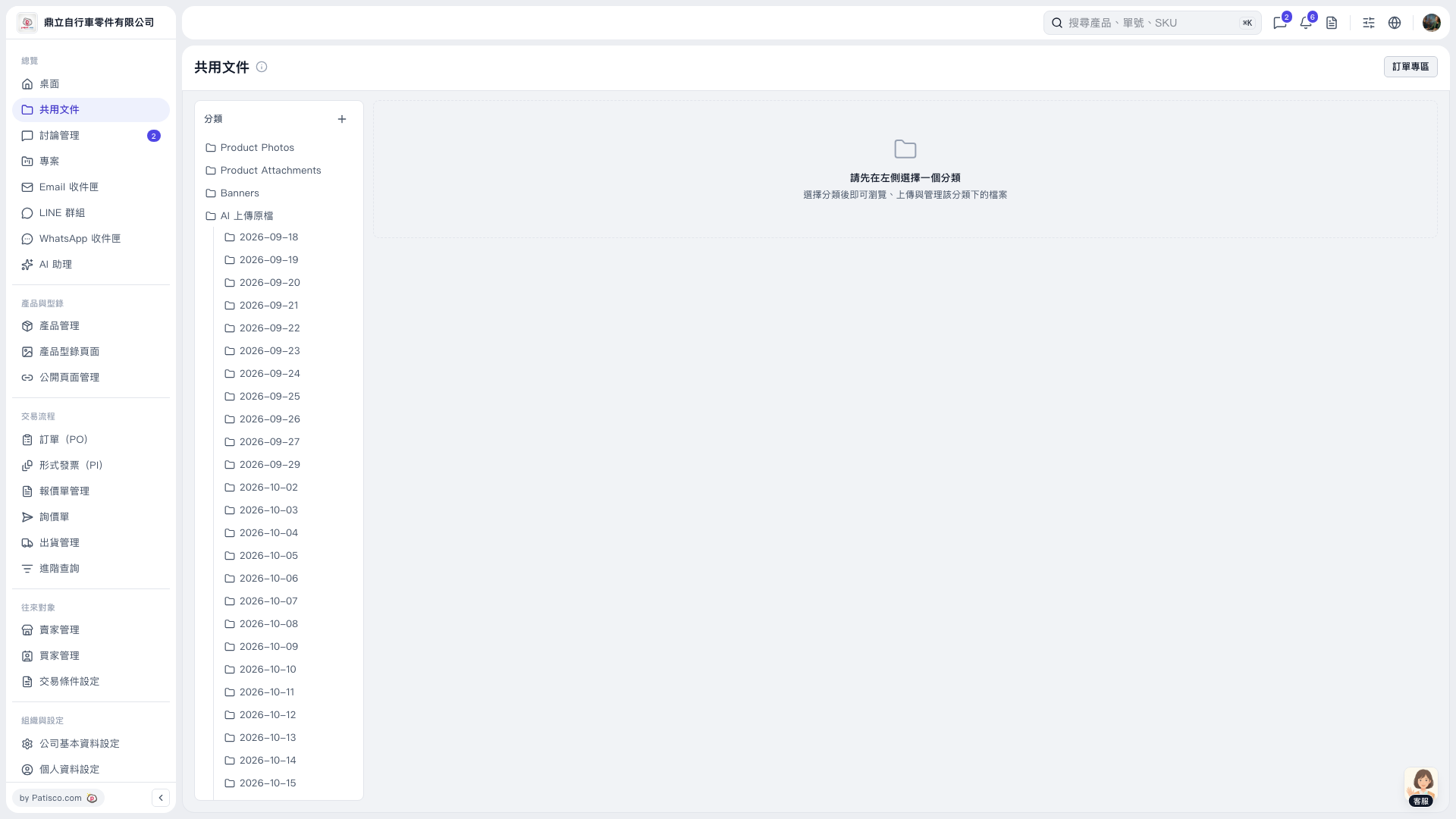 V5 新桌面版|共用文件