
1. On the "Dashboard" in the "Data Analytics" page, find "Recently Updated POs" on the right side. 2. Click the "PO Number" to view the corresponding PO content. 3. When you want to find other POs, click "All POs" in the bottom left of the card to access the complete PO list.
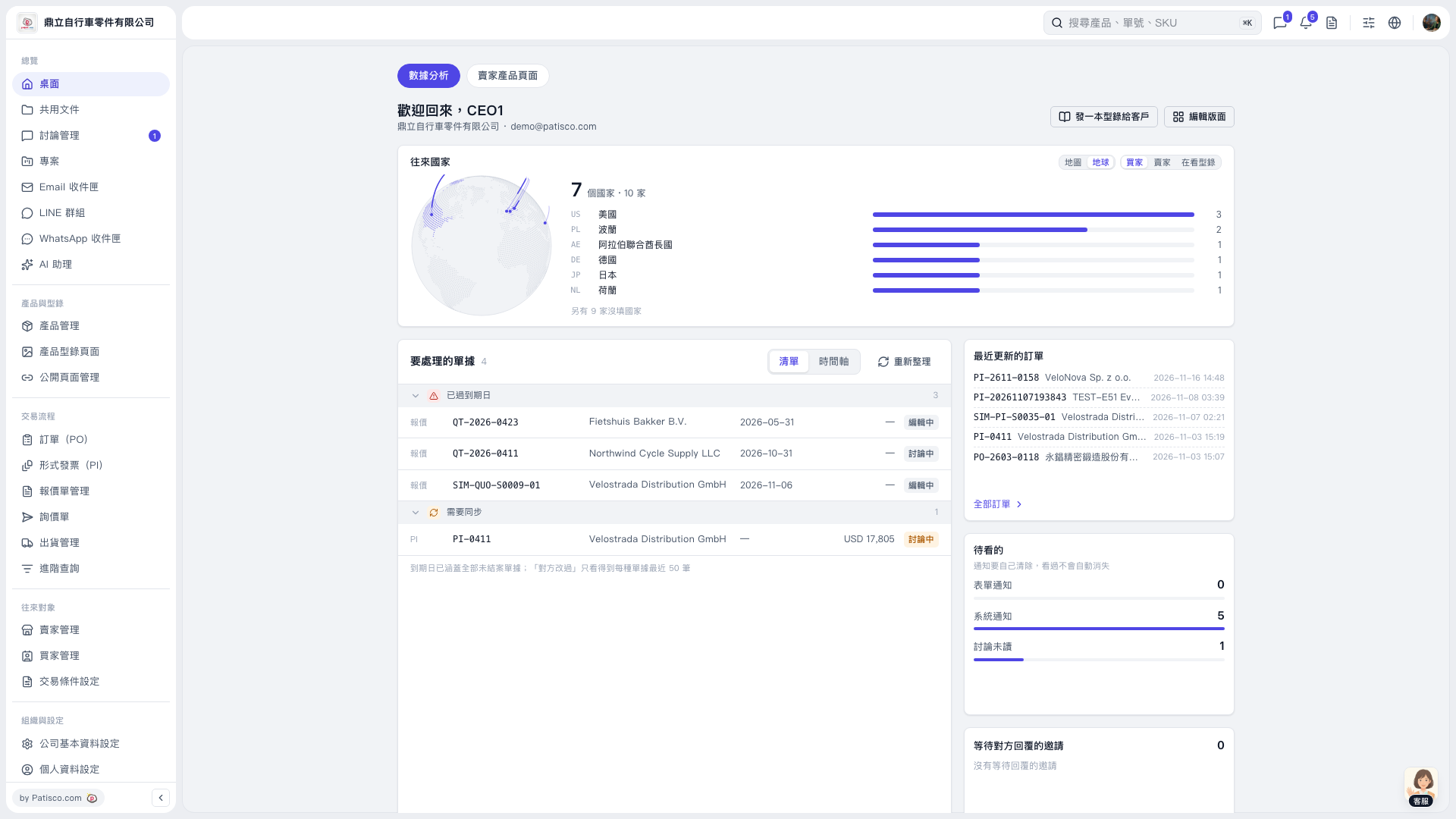 V5 新桌面版|桌面(數據分析)