
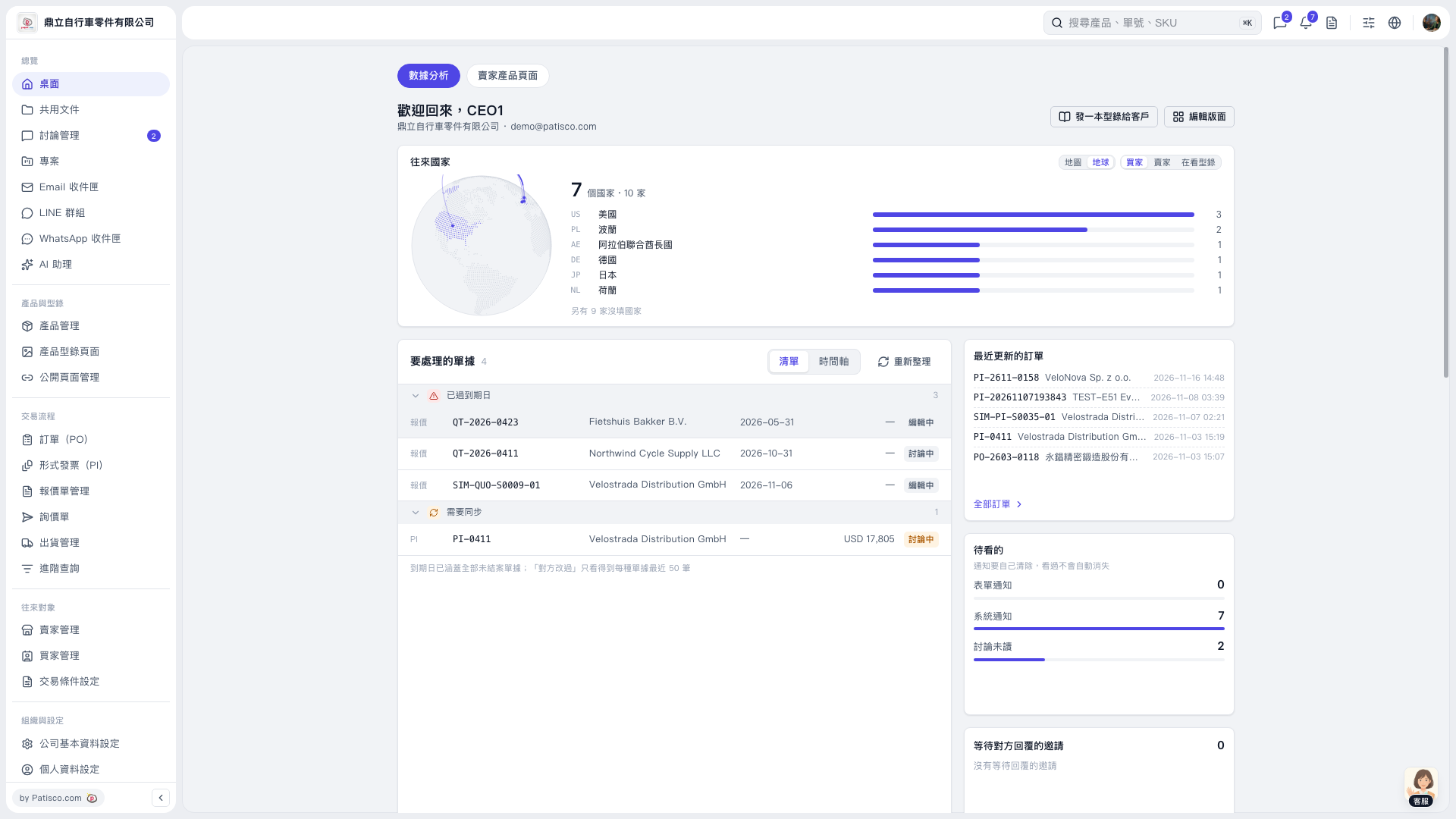
1. In the “Documents to Process” section on the dashboard, review documents that are overdue or require syncing. 2. Click “List” or “Timeline” to switch views. Click “Refresh” when you need to refresh the information. 3. Click a document number to open the corresponding document for review and processing. 4. To view other POs, click a document number under “Recently Updated POs” or click “All POs.”
 V5 新桌面版|桌面