
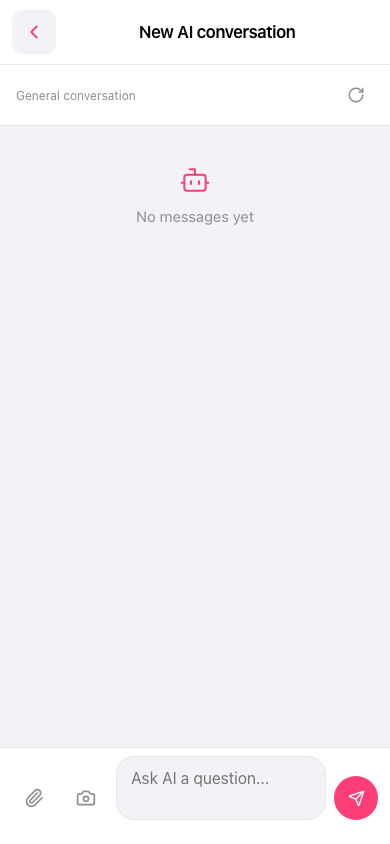
1. On the New AI conversation page, tap the Ask AI a question... input field at the bottom and enter your question. 2. To attach a file, tap the paperclip icon in the lower left. To take a photo or add an image, tap the camera icon. 3. Tap the pink paper airplane icon in the lower right to send your question. 4. View the AI response in the conversation area.
 手機版|New AI conversation