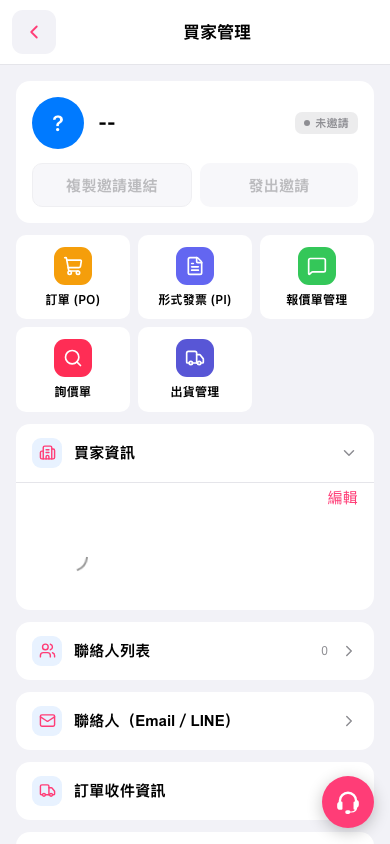
1. On the buyer details page in Buyer Management, tap Contact List to view that buyer’s contacts. 2. To use the Email / LINE contact features, tap Contacts (Email / LINE). 3. To return to the previous page, tap Back in the upper left.
 手機版|買家管理

1. On the buyer details page in Buyer Management, tap Contact List to view that buyer’s contacts. 2. To use the Email / LINE contact features, tap Contacts (Email / LINE). 3. To return to the previous page, tap Back in the upper left.
手機版|買家管理