
1. On the Discussion Topic page, first check the other party’s information in the email thread notice at the bottom. 2. Tap Reply by Email to start the external email reply process. 3. To discuss only with colleagues, enter your message in the Enter a message field, then tap the send icon in the lower right. Messages sent directly by pressing Enter are visible only to colleagues. To reply to an external party, use Reply by Email.
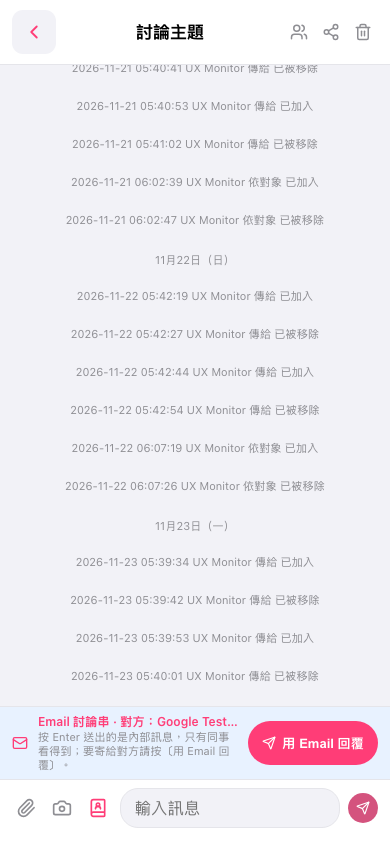 手機版|討論主題