
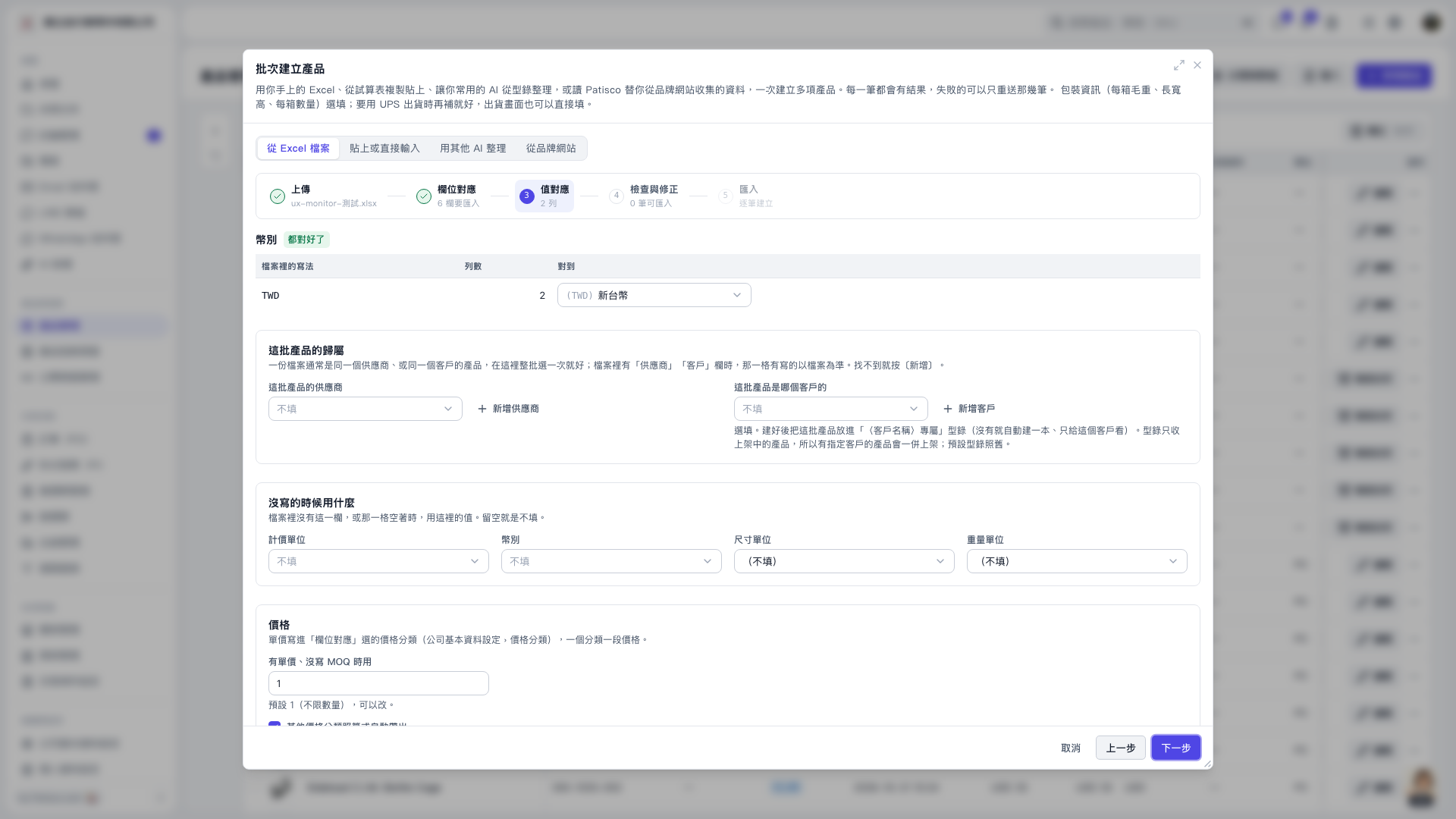
1. In the "Ownership of these products" section of "Bulk create products", select "Supplier of these products" and "Which customer these products belong to". If the file has corresponding columns, the values filled in on each row of the file take precedence. 2. If you can't find the one you need, click [Add supplier] or [Add customer] to add it. 3. To put the products into a specific customer's dedicated catalog, select that customer. The customer field can also be left blank. 4. When done, click [Next] to go to "Check and correct".
 V5 新桌面版|批次建立產品