
This usually means the trading condition this seller gave you is not [Negotiable], so the system cannot send an inquiry. 1. Go to [Seller Catalog] and click [Request a quote step by step] at the top right. 2. Select the catalog you want to inquire about. 3. If the first step shows the message "This seller's trading condition is not [Negotiable], so an inquiry cannot be sent", [Next] stays disabled. 4. Contact the seller and ask them to turn on [Negotiable] in the trading condition they gave you, then come back and send the inquiry. 5. If the catalog has listed prices, you can also use [Next PO] to place an order directly. You can ask the AI assistant: "Why can't I request a quote step by step for this seller's catalog?" The AI will answer: this seller's trading condition is not [Negotiable], so an inquiry cannot be sent. Ask the seller to turn on [Negotiable] in the trading condition, or, if prices are listed, use [Next PO] to place an order directly.
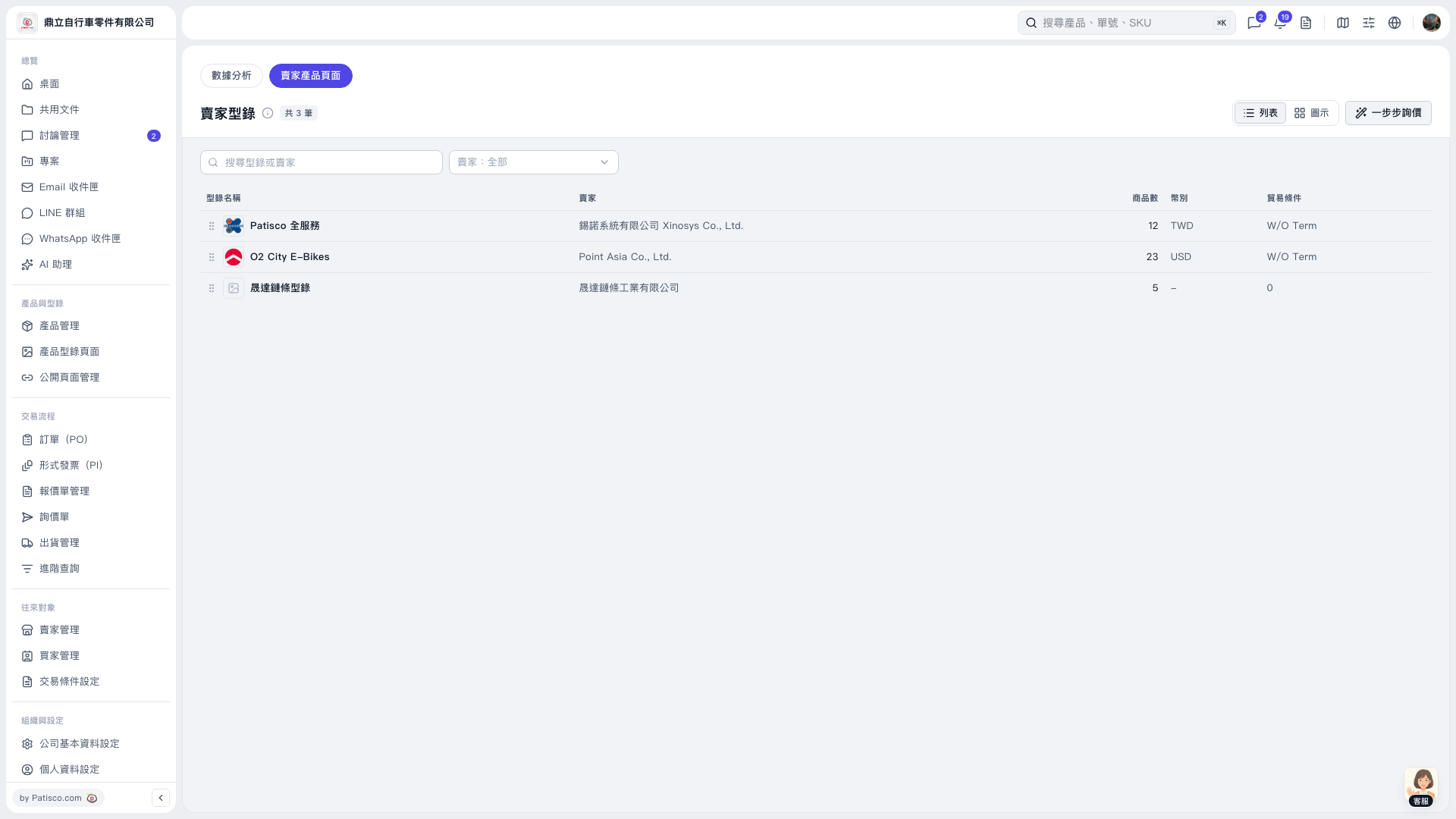 V5 新桌面版|賣家型錄