
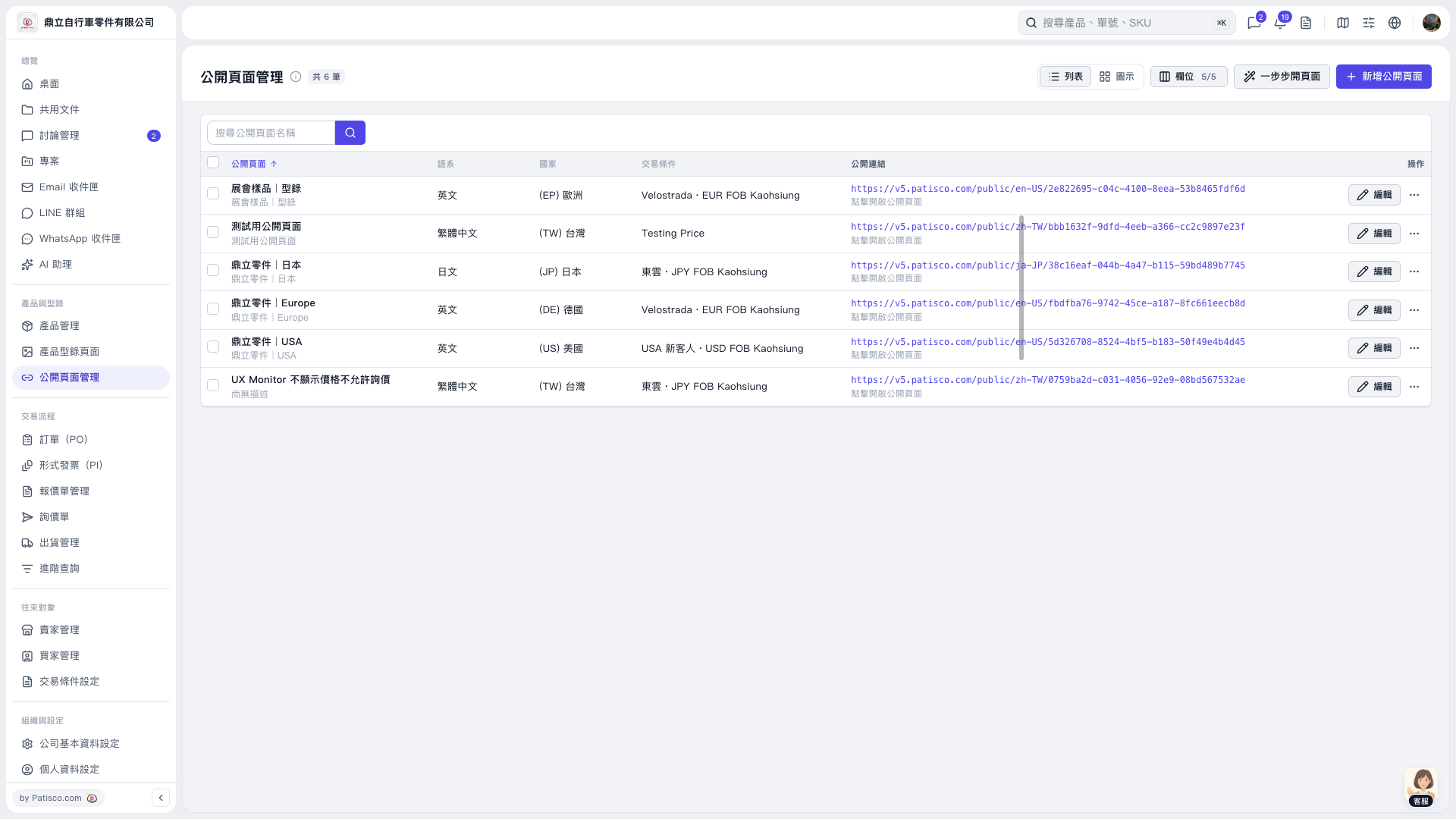
Whether a public page allows inquiries depends on whether the trading condition you chose has [Negotiable] turned on. You can check as follows: 1. In the left sidebar, under "Products & Catalogs", click "Public Page Management". 2. Click [Open a page step by step] at the top right, or click [Edit] on the right side of the row. 3. When choosing a trading condition, each row is labeled "Negotiable" or "Not negotiable". 4. If the trading condition you chose is "Not negotiable", the [Inquiry allowed] option is disabled, with the message "This trading condition does not have [Negotiable] on, so visitors cannot send inquiries". 5. To let visitors send inquiries, choose a trading condition labeled as negotiable. Note that [Ordering allowed] is not affected by this and can still be selected. If you close the guided wizard midway without finishing, [Discard changes] appears, and no new public page is created.
 V5 新桌面版|公開頁面管理