
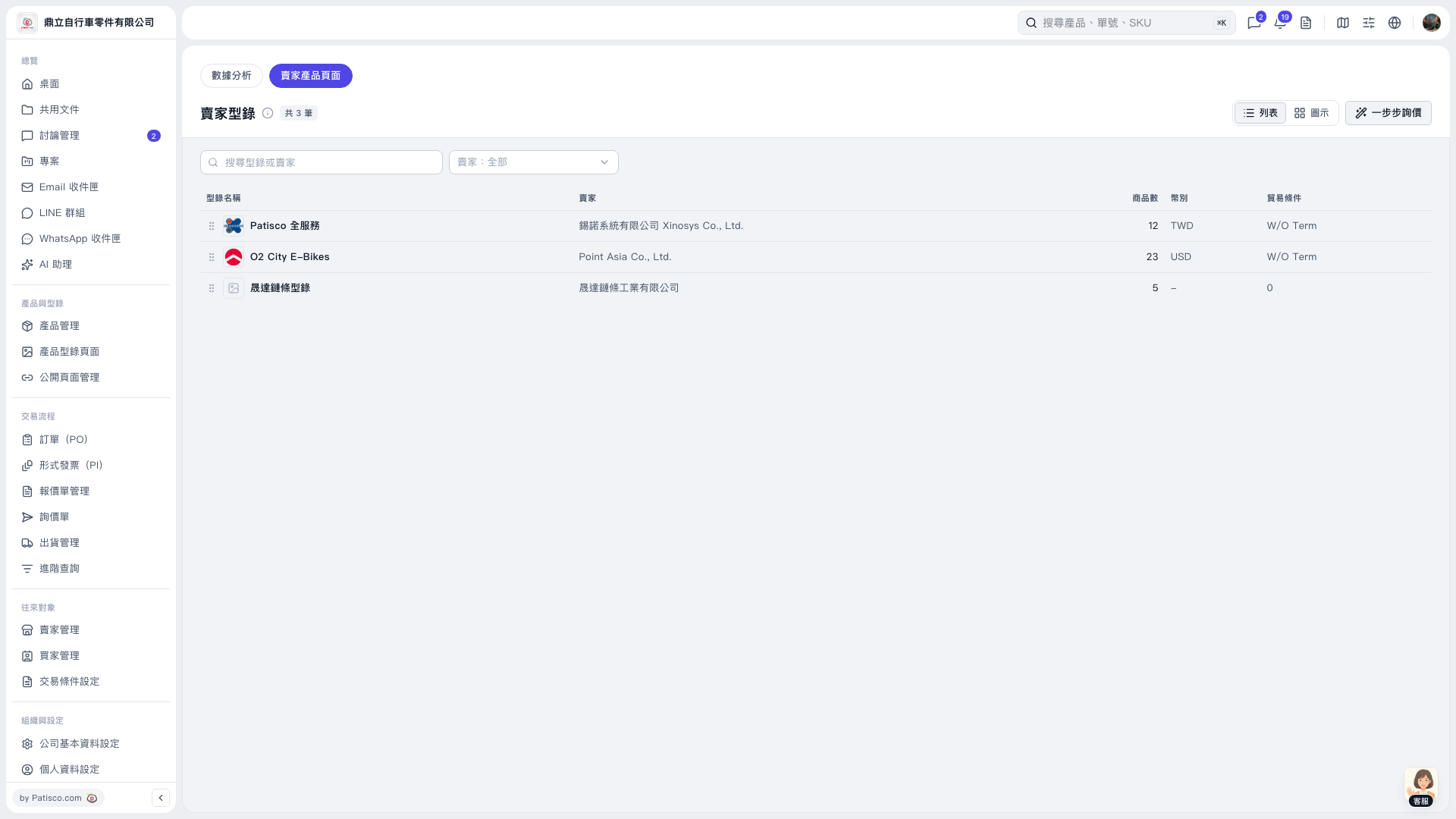
1. In the left sidebar, click "Product Catalog page", then switch to the "Seller Products page" tab. 2. In [Search catalog or seller] at the top left of the list, enter a catalog name or seller name. 3. You can also use the [Seller: All] dropdown on the right of the search box to see only one seller's catalogs. 4. [List / Icons] at the top right switches the display mode. 5. Click a catalog name in the list to open that seller's catalog and browse the products. The list shows columns such as catalog name, seller, number of products, currency and trade terms.
 V5 新桌面版|賣家型錄