
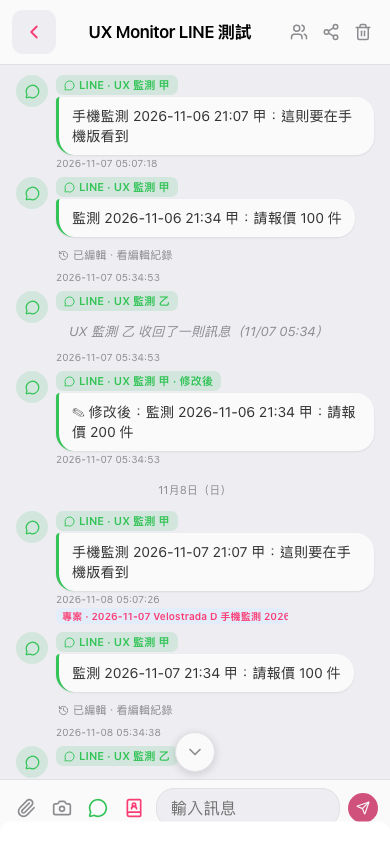
1. Enter your message in the "Enter Message" field at the bottom of the topic. 2. To open attachment options, tap the paperclip icon on the left side of the input bar. To add a photo using the camera, tap the camera icon. 3. When your message is ready, tap the paper airplane icon on the right to send it.
 手機版|UX Monitor LINE 測試