
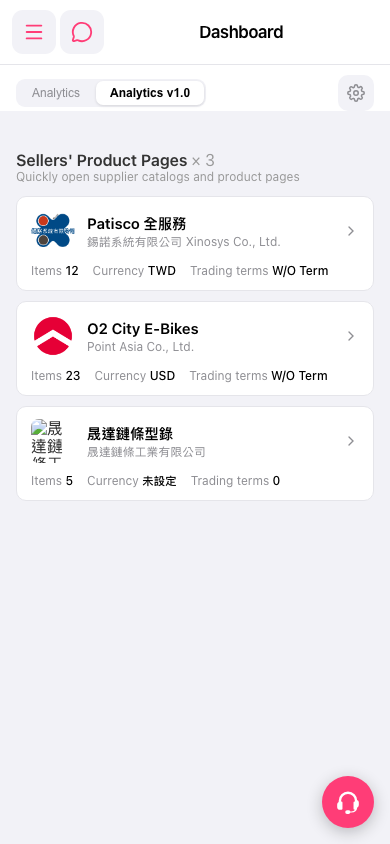
1. Find the supplier you want to view in the "Sellers' Product Pages" section of the Dashboard. 2. Check the catalog name, company name, "Items" (number of products), "Currency", and "Trading terms" on the card. 3. Tap the supplier's card or the arrow on the right to open the supplier's catalog and product page.
 手機版|Dashboard