
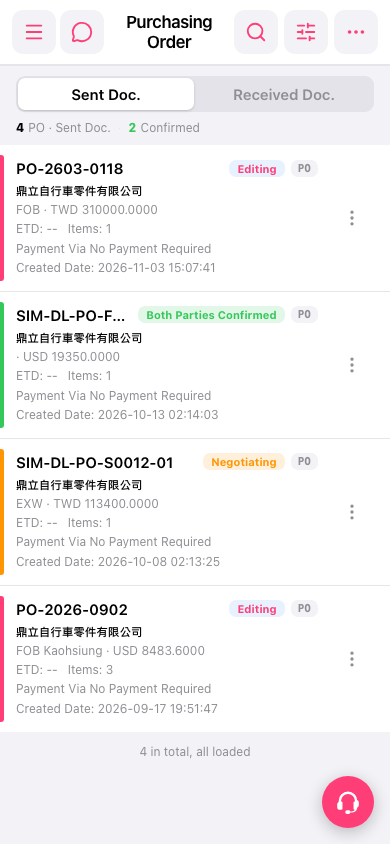
1. On the "PO" page, tap "Sent Doc." to view sent POs, or tap "Received Doc." to view received POs. 2. Find the PO by its number, trading partner's company name, and status. You can also tap the search or filter icon in the upper-right corner to narrow the results. 3. Tap the PO to open its details and view the full content.
 手機版|採購單(Purchasing Order)