
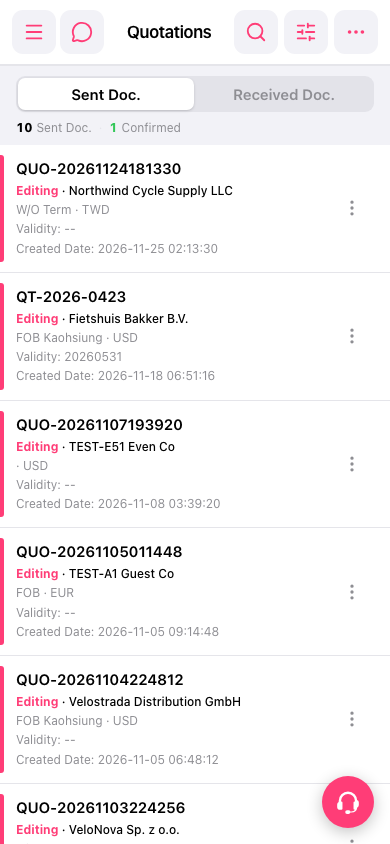
1. On the "Quotation" page, tap Search (the magnifying glass icon) in the upper-right corner to search for a quotation. You can also tap Filter (the sliders icon) to open the filter options and narrow the results. 2. Once you find the quotation, tap the vertical three-dot icon on the right side of that entry to open the action menu, then select an action from the available options.
 手機版|報價單管理(Quotations)